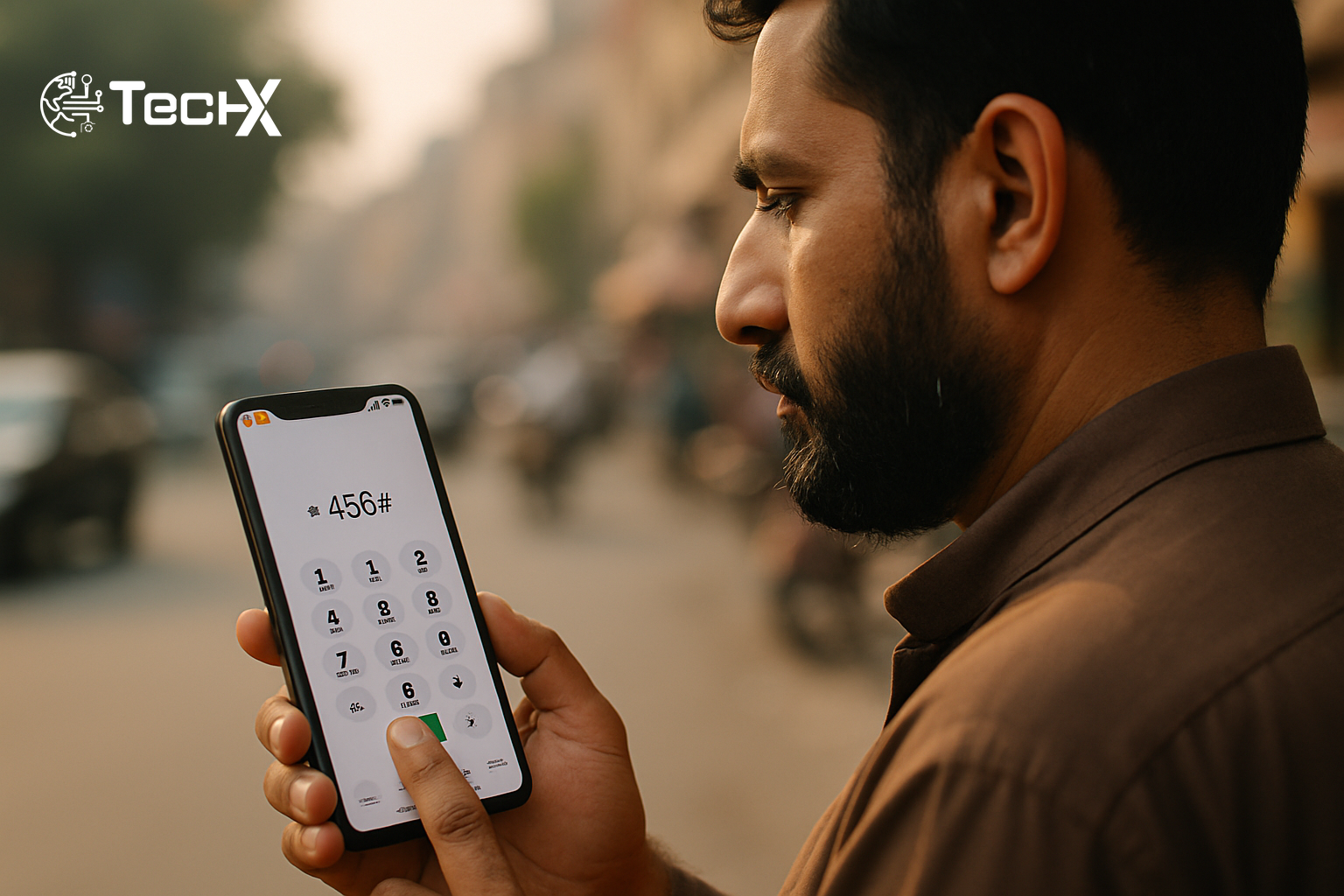
The Ufone UAdvance balance loan is a quick emergency service that puts credit straight into your account when you need it most. Just dial *456# from your Ufone prepaid SIM and the system checks your account in seconds. If you qualify, the balance appears instantly, no shop visit required.
What is the Ufone UAdvance Balance Loan?
UAdvance gives you the facility of getting instant balance whenever you are running low. Up to Rs 60 is available to Ufone subscribers based on eligibility criteria, and there is one simple step to use it: just dial *456# from your prepaid number.
Subscribers can use their advance for all services, including calls (on and off net), SMS (on and off net), data, international calls, roaming, and VAS subscriptions. That means the borrowed balance works just like normal credit.
How to Get the Ufone UAdvance Balance Loan Step by Step
The process is very simple. Here is what you do:
- Step 1: Open the dialler on your phone.
- Step 2: From your Ufone prepaid SIM, dial *456#. Wait for the confirmation message.
- Step 3: You will receive an advance balance of Rs 20 to Rs 60 based on eligibility. This balance can be used for all Ufone services.
- Step 4: The loan and service fee are recovered automatically when you next recharge.
That is all. No forms, no waiting, no internet needed. The service works 24/7 across Pakistan. You do not need internet access to use it.
Who Can Use the Ufone UAdvance Balance Loan?
Not every account qualifies automatically. Ufone checks a few things before approving the loan.
- Prepaid users only: Only Ufone prepaid customers can access this service.
- Low balance required: Your balance must be below Rs 11.95 to request an advance.
- One loan at a time: You must repay the previous loan before requesting a new one.
- Usage history matters: Customers who frequently use Ufone services and recharge regularly get better eligibility for advance balance.
The customer’s eligibility for a loan amount may change from time to time based on changes in behaviour of usage of telecom services or changes in repayment of UAdvance behaviour. So the more regularly you use and recharge your SIM, the better your chances of getting a higher amount.
How Much Can You Borrow?
Only certain airtime values are available through the service, between PKR 20 to PKR 60. Most first-time or occasional users receive Rs 20. New users typically receive a smaller loan, while long-term customers may get up to Rs 60. However, Ufone decides the limit based on your activity, and it cannot be manually changed.
If you want a higher limit over time, the answer is simple: keep your SIM active, recharge often, and always pay back your advance promptly.
Ufone UAdvance Charges and Repayment
The Ufone UAdvance balance loan is not free. There is a service fee attached to every advance you take.
A service fee of 30% of the loan amount, inclusive of tax, is applicable on every loan taken. So if you borrow Rs 20, the fee is Rs 6, and you pay back Rs 26 total. If you borrow Rs 60, the fee is Rs 18, making the total Rs 78.
Repayment is automatic. The moment you recharge your prepaid number, the full amount (loan plus fee) is instantly deducted. You do not need to do anything special. Just recharge when you can, and the system handles the rest.
Advance balance cannot be transferred to another number. If you do not recharge, your loan remains pending, and you cannot take another advance.
What Happens if Your Loan Request is Rejected?
Sometimes people dial *456# and the request fails. Here are the most common reasons:
- Most rejections occur because you already have an outstanding, unpaid UAdvance; you are not eligible because of bad repayment history; or your balance is too large (above the minimum required low-balance threshold).
- Another issue occurs when the SIM is new. New SIM users often cannot access UAdvance immediately. The company requires a minimum active period before allowing advance balance.
- Sometimes it may be a network issue. Restart your mobile and try again.
Make sure your SIM is PTA verified and that you have recharged sometime in the last 30 days. If the problem continues, call Ufone customer care on 333.
Tips to Use the Ufone UAdvance Balance Loan Wisely
- Use the advance only when truly needed. Frequent use may lead to repeated service charges.
- Try to recharge your balance on time. This helps you avoid service fees and keeps your account active.
- Make sure your SIM is PTA registered to ensure uninterrupted service.
- Save *456# in your contacts so you can reach it fast in any emergency.
If you also use Jazz and need a similar service, check out our guide on the Jazz advance loan code that gets you instant credit in seconds. And if you want more details on the Ufone code itself, our article on the Ufone loan code *456# with charges and eligibility covers the full picture.
Frequently Asked Questions
What is the Ufone advance loan code?
The Ufone UAdvance loan code is *456#. Just dial it from your prepaid number to get instant balance. For postpaid users, the code is *229#.
How much does the Ufone UAdvance service cost?
The service fee is straightforward and fixed: it is 30% of the advance amount, inclusive of all taxes. So on a Rs 20 loan, you pay Rs 6 extra, and on a Rs 60 loan, you pay Rs 18 extra.
Is the Ufone UAdvance balance loan available for postpaid users?
The main UAdvance service at *456# is for prepaid users. For postpaid, the advance is settled with your next bill payment. Postpaid customers use the separate code *229#.
Can I take a second loan before repaying the first one?
No. Ufone policy permits only one active advance (loan) per number at any one time. The loan value should be fully repaid with the 30% service fee before you can receive another advance. If you attempt dialling the code with a prior unpaid loan, the system will decline.