Google Pay makes it simpler and more convenient to split bills with friends and family. Aside from sending money to friends and family and making online payments through various UPI apps.
Great feature in Google Pay
The feature eliminates the need for you to manually check your calculator app to see how much each friend owes, then have one person pay the principal bill while the other members make equal payments.
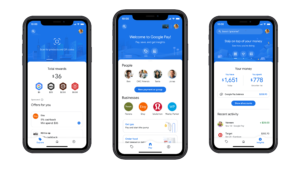
Users can share their bill while paying with this feature, or they can split it after the principal amount has been paid.
Overall, splitting bills with G-Pay simplifies the process and reduces the possibility of errors, while also providing a convenient and secure way to manage shared expenses.
Prerequisites
- Any iPhone or Android device
- Google Pay wallet
Here’s how users of G-Pay can split a bill
- Launch the Google Pay app on your iOS or Android device.
- Navigate to the existing group chat and select Split an expense.
- Users can also locate their group by visiting the “Discover” page.
- Enter the total bill amount.
- Give the bill a name.
- Choose which members of the group you want to split the bill with.
- Select Send Request.
Suggestion for user
Money can only be received by the creator of the bill split. Google Pay transfers funds to the bill creator’s primary bank account.
Things to remember
According to Google, if a user has created the bill split, they can find out who has paid, who still needs to pay, and the amount that remains unpaid on the “Bill details” page.
Only the creator of the bill split has access to each participant’s payment status. Other bill split participants can see how many payments are pending in total.
To read our blog on “Google announced Pixel Fold 2023 likely to Samsung Z Flip,” click here