

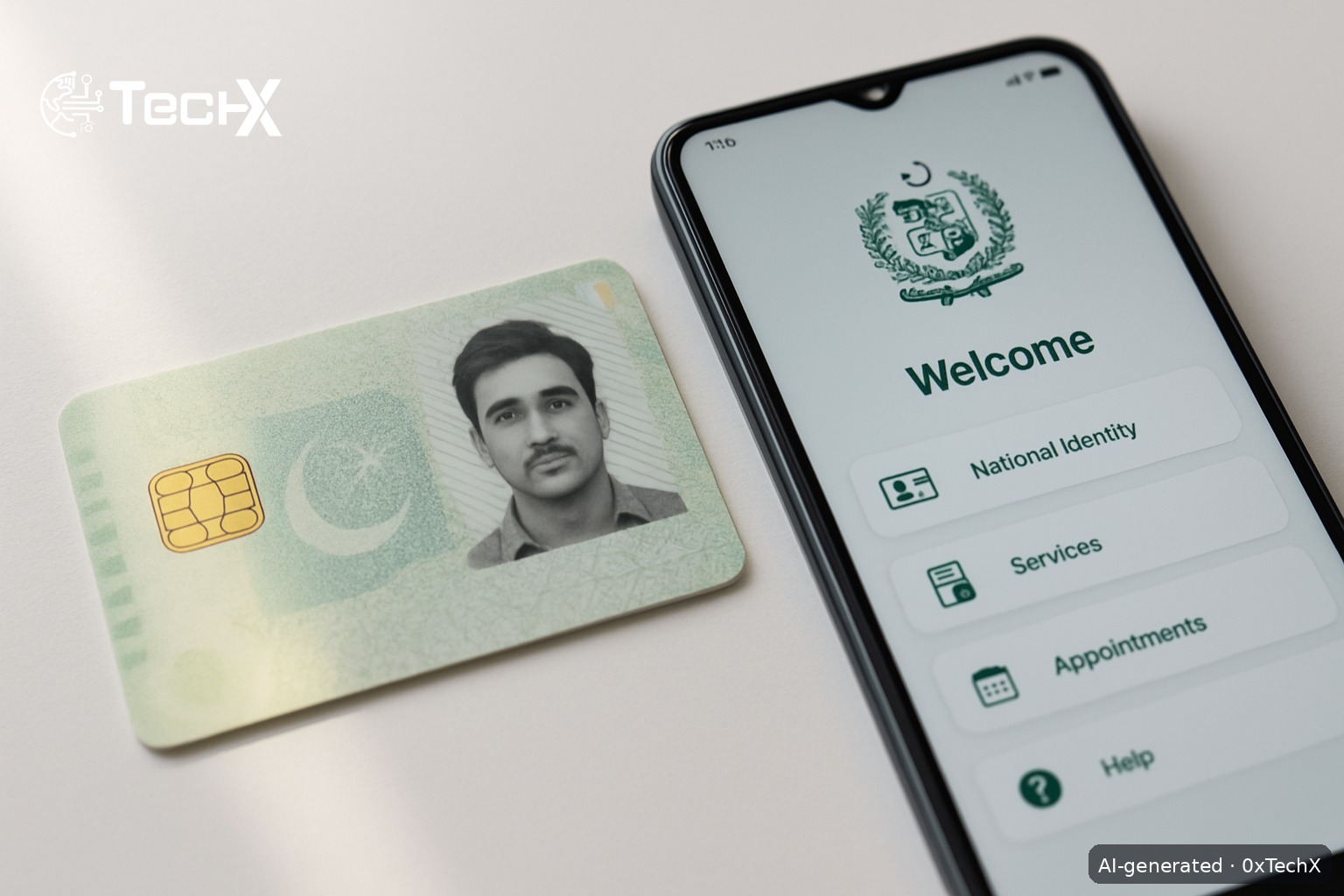
NADRA smart ID card online apply is now fully possible from home using the official Pak Identity app or the website id.nadra.gov.pk. You can renew, modify, or get a reprint of your CNIC without visiting a NADRA centre. This guide walks you through every step, the exact fees in PKR, and how to fix common problems.
What Is the NADRA Smart ID Card (SNIC)?
The Smart National Identity Card (SNIC) is the latest version of Pakistan’s CNIC. It has a built-in chip that stores your biometric data securely and carries your unique 13-digit national ID number. Every Pakistani citizen aged 18 and above must have one. The SNIC is valid for 10 years.
What Can You Do Online via Pak Identity?
Not everything can be done online. Here is what the Pak Identity platform currently supports:
- Renewal of an existing CNIC (expired or near-expiry)
- Modification of CNIC details (name, address, etc.)
- Reprint or replacement of a lost or damaged CNIC
- New NICOP, NICOP renewal, modification, and reprint
Important: A brand-new CNIC (first-time applicant) still requires a visit to a NADRA Registration Centre (NRC) for biometric capture in most cases. Online renewal and reprint are the most common use cases for people already in the system.
NADRA Smart ID Card Online Apply: Step-by-Step
Step 1: Download the Pak Identity App or Open the Website
Go to id.nadra.gov.pk on your browser (Google Chrome works best), or download the Pak Identity app from the Google Play Store (search “Pak Identity” by NADRA) or the Apple App Store. The app ID on Play Store is pk.gov.nadra.pakid.
Tip: Turn off any VPN before opening the app. The app detects VPNs and will block you with a “device tampering” error if one is active.
Step 2: Create an Account or Log In
Tap Register if you are new. You will need:
- A valid email address (Gmail works well)
- Your Pakistani mobile number (any network: Jazz, Zong, Telenor, Ufone)
- Your existing CNIC number
The app sends a one-time OTP to your mobile number to verify your account. Enter the OTP and set a password. If you already have an account, just log in using your email and password, or use the fingerprint/face login option.
Step 3: Choose Your Application Type
Once logged in, tap New Application from the home screen. You will see a list of options. Pick the one that matches your situation:
- Renewal of CNIC (your card is expired or expiring soon)
- Modification of CNIC (you need to update any information)
- Reprint / Lost CNIC (your card is lost, stolen, or damaged)
Step 4: Fill in Your Personal Details
The app will pull most of your data from the NADRA database automatically. Check every field carefully. If you are applying for a Modification, update only the fields that need to change. Upload any supporting documents using your phone camera or from your phone storage (for example, a utility bill for an address change).
Step 5: Complete Biometric Verification
The Pak Identity app does biometric checks through your phone. You will be asked to:
- Take a live selfie (liveness check via your front camera)
- Scan your fingerprints through the phone camera (follow the on-screen guide carefully)
- Provide a digital signature using your finger on the touchscreen
Make sure you are in good lighting and your hands are clean and dry for the fingerprint scan.
Step 6: Get the Application Attested (if Applying from Pakistan)
If you are applying from inside Pakistan, you need an attester to verify your application. The attester is usually a blood relative (parent, sibling) who holds a valid CNIC. They verify via an OTP sent to their registered mobile number, so their number must be active and linked to their own CNIC.
Step 7: Choose Your Service Level and Pay the Fee
Select one of three speed tiers, then pay online. Here is the current fee table for the NADRA Smart CNIC (SNIC) in Pakistan:
| Service Type | Fee (PKR) | Processing Time |
|---|---|---|
| Normal | PKR 750 | Approx. 31 days |
| Urgent | PKR 1,500 | Approx. 15 days |
| Executive | PKR 2,500 | Approx. 7 to 9 days |
Payment is accepted via credit or debit card (Visa / Mastercard). You can also pay through Easypaisa or JazzCash wallets, or via e-Sahulat counters available at many shops across Pakistan. Delivery charges are separate and are not included in the fees above.
Step 8: Submit and Get Your Tracking ID
Review all your information on the final screen, then tap Submit. You will instantly receive a confirmation email and an Application Tracking ID. Save this number.
Step 9: Track Your Application
You have two ways to check your status:
- SMS: Send your Application Tracking ID to 8400 from any Pakistani number for real-time updates.
- Online: Log in to your Pak Identity account and check the status in your inbox/applications list.
Your card will be delivered to your address by NADRA courier once ready.
Documents You Need to Have Ready
- Your existing CNIC (front and back, even if expired)
- Proof of address such as a utility bill (for address modification)
- Any change documents if you are updating information (for example, a court order for a name change)
Common Problems and How to Fix Them
Problem: “Device Tampering” or VPN Error
Fix: Completely disable any VPN app on your phone, not just pause it. Go to your phone settings and make sure no VPN profile is active. Then restart the Pak Identity app.
Problem: Liveness Check or Fingerprint Scan Keeps Failing
Fix: Use good natural light and a clean phone camera lens. Wash and dry your hands. Hold your finger flat and still on the camera. If the error “Lioness initialization failed” appears, update the app to the latest version. If it still fails, uninstall and reinstall the app.
Problem: OTP Not Received for Attester Verification
Fix: Make sure your attester’s mobile number is the one registered with their own NADRA record. If the number has changed, they may need to visit an NRC to update it first.
Problem: Application Stuck or No Updates After Payment
Fix: SMS your tracking ID to 8400 to check the real status. If there is no movement after 5 to 7 days, file a complaint at nadra.gov.pk/complaint or call NADRA helpline 051-111-786-100. You can also use the live chat at messenger.com/t/nadrapakedentity on Facebook Messenger.
Problem: App Shows Only Visa Options, No CNIC Section
Fix: This is a known bug in some older app versions. Update the Pak Identity app to the latest version from the Play Store or App Store. If the problem continues, use the website id.nadra.gov.pk on Chrome instead.
Frequently Asked Questions
Can I apply for a brand-new CNIC online if I have never had one before?
No, not fully. First-time CNIC applicants must visit a NADRA Registration Centre (NRC) in person because initial biometric data must be captured at the centre. The online Pak Identity system is mainly for renewal, modification, and reprint of an existing CNIC.
How long does NADRA smart ID card online apply take to deliver?
It depends on the service tier you choose. Normal service takes around 31 days, Urgent about 15 days, and Executive around 7 to 9 days. These timelines start only after your application is approved, not from the date you submit it.
What payment methods can I use to pay NADRA fees online?
You can pay with a Visa or Mastercard debit or credit card. You can also use JazzCash, Easypaisa, or visit an e-Sahulat agent near you for cash payment. Delivery charges are billed separately.
How do I track my NADRA smart ID card application status?
Send your Application Tracking ID by SMS to 8400 from any Pakistani mobile number for quick updates. You can also log in to your Pak Identity account at id.nadra.gov.pk and check the status under your applications list.