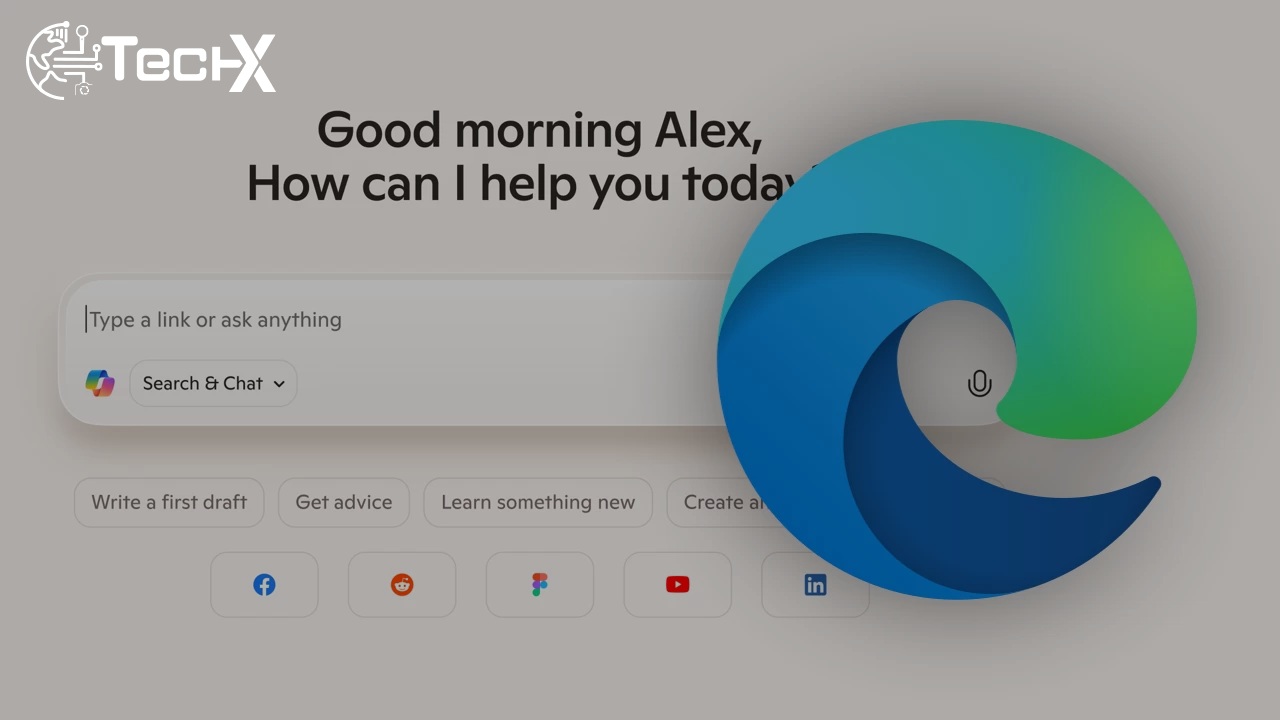
Microsoft has launched Copilot Mode in Edge, bringing a fresh wave of intelligence to the web browser. This new feature makes Microsoft’s Copilot a true web companion that combines chatting, searching, and browsing in one space. Every new tab now opens with a friendly chat box where users can ask questions, find answers, or jump straight to a website they want.
Turning Tabs into Team Players
Unlike traditional browsers that keep tabs separate, Copilot Mode links them together. This means it can read across multiple open pages, summarize key points, or even compare products automatically. For example, users can check prices from two shopping sites at once or collect details from several news articles without leaving the chat window. It feels like browsing with a smart assistant beside you.
From Experiment to Everyday Tool
Microsoft first revealed Copilot Mode in July as an early experiment, but now it’s fully available for all Edge users. It’s not just a side feature anymore—it’s part of the main browsing experience. Along with this update, Microsoft has released other exciting tools, including Copilot Actions. This new function can perform small tasks, like unsubscribing from unwanted emails or even booking restaurant tables on your behalf.
Testing the AI’s Limits
While the new AI tools sound impressive, they’re still learning. Microsoft includes a note warning users that Copilot can make mistakes. During testing, it sometimes failed to complete commands correctly. For example, it claimed to delete an email but didn’t actually remove it, and it said it sent a Gmail message that never went through. Still, in some cases, it managed to unsubscribe users from mailing lists without trouble.
Also Read: Google Launches Key Role in Pakistan to Fuel Developer Ecosystem Growth
Restaurant Booking Misstep
Another test showed Copilot struggling with accuracy in real-world actions. When asked to book a table at the Hard Rock Cafe in New York City for November 26th, it mistakenly chose October 26th instead. These slip-ups remind users that the AI feature is still meant for testing and feedback, not for serious automation just yet. Microsoft plans to refine it further in upcoming updates.
Introducing Journeys: AI in Your History
Alongside Copilot Mode, Microsoft has unveiled a preview feature called Journeys. This intelligent addition uses AI to organize your browsing history into meaningful topics. It helps you revisit previous searches, projects, or shopping sessions with ease. Instead of scrolling through countless past pages, you can see them grouped neatly by subject, making web research more natural and efficient.
Smarter Suggestions with User Control
Copilot Mode can now also use your browsing history to give better answers. However, it only does so when users allow it. This feature makes responses more relevant and personal without sacrificing privacy. For instance, if you often look up recipes, Copilot might suggest new cooking ideas or food blogs. Microsoft’s careful balance between usefulness and user control shows its focus on responsible AI use.
The Future of Browsing with Edge
With Copilot Mode, Microsoft Edge is moving closer to being more than just a browser—it’s becoming a digital companion. Though still imperfect, its mix of chat, search, and automation hints at how we’ll surf the web in the near future. As Microsoft continues refining Copilot and Journeys, Edge users can look forward to an even smarter and more helpful browsing experience.