

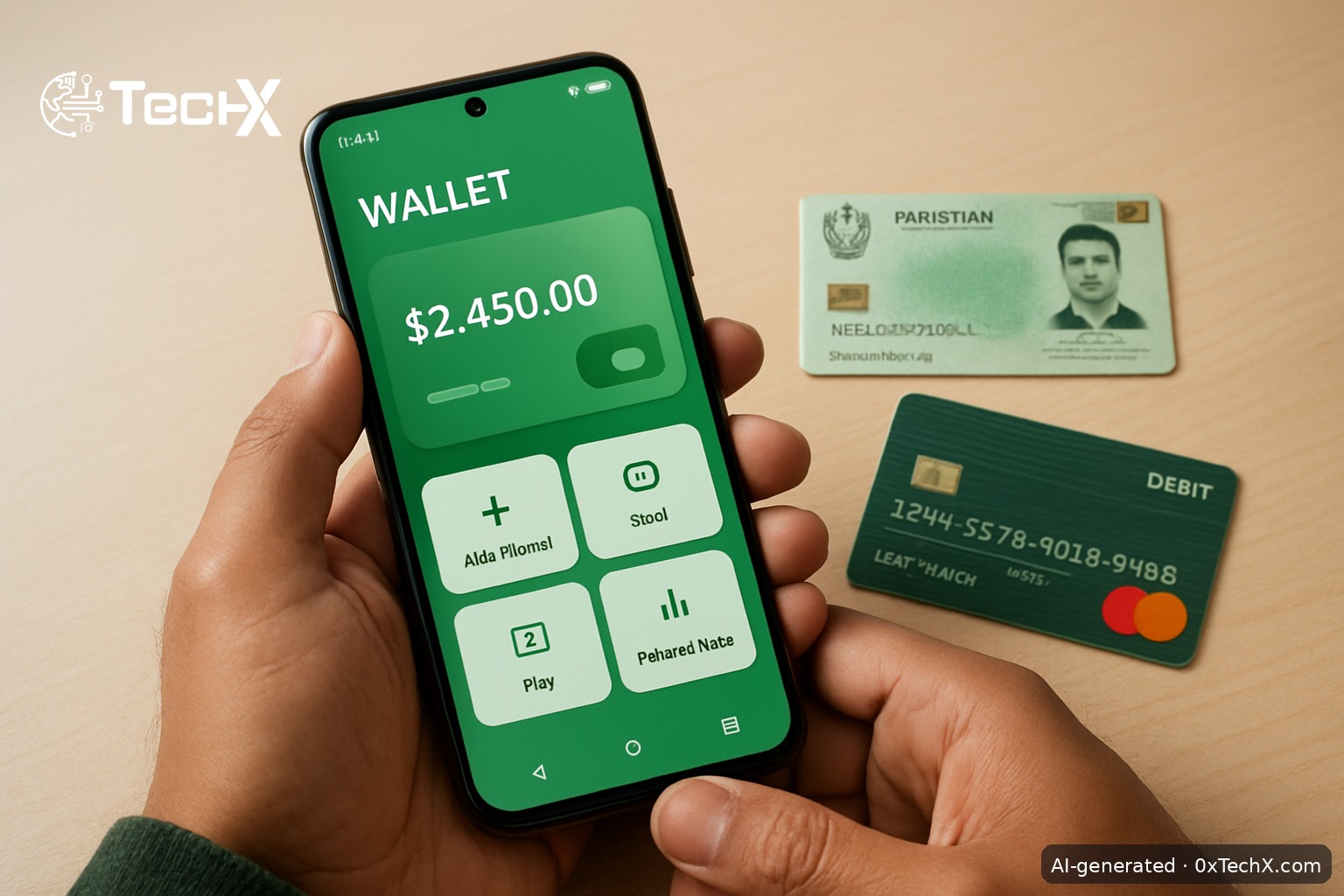
How to open a Sadapay account in Pakistan is simple: download the app, enter your phone number, upload your CNIC, take a selfie, and you are done in under five minutes. No branch visit, no paperwork, no minimum balance. This guide walks you through every step, the real fees in PKR, and what to do when things go wrong.
What Is Sadapay?
Sadapay is a State Bank of Pakistan (SBP) regulated digital banking platform. It is an SBP-approved Electronic Money Institution (EMI) account that works entirely through a mobile app. It gives users a digital wallet and a debit card to perform daily financial transactions easily.
It is especially popular among students, freelancers, online shoppers, and small business owners because it supports digital payments, online transactions, and easy money transfers.
What You Need Before You Start
- Valid CNIC (Computerised National Identity Card). Any Pakistani citizen with a valid CNIC and mobile number can open an account.
- Pakistani mobile number (Jazz, Zong, Ufone, or Telenor, any network works). Since it works with all mobile networks, Sadapay is accessible to users across Pakistan.
- Smartphone running Android or iOS with a working camera and internet.
- Good lighting for your selfie and CNIC photo.
- Overseas Pakistani? You can sign up using your NICOP or international phone number.
How to Open a Sadapay Account in Pakistan: Step by Step
Step 1: Download the Sadapay App
Open the Google Play Store (Android) or Apple App Store (iOS) on your phone. Search for “SadaPay: Money Made Simple” and tap Install. The app is free. Make sure you download the official app by Sadapay Private Limited.
Step 2: Enter Your Mobile Number
Open the app and tap “Get Started” or “Sign Up”. Enter your Pakistani mobile number. Sadapay will send a one-time password (OTP) via SMS to that number. Type in the OTP to confirm your number.
Step 3: Enter Your CNIC Details
The app will ask for your CNIC number. Type it in carefully. Make sure it matches exactly what is printed on your card. Any small mistake here will fail your verification later.
Step 4: Upload Your CNIC Photos
The app will ask you to take a photo of the front and back of your CNIC. Place your CNIC on a flat, well-lit surface. Avoid shadows or glare. Hold your phone steady and tap capture. The app checks the image quality before moving on.
Step 5: Take Your Selfie
CNIC, selfie, and a couple of clicks, it takes less than 2 minutes. The app will ask you to take a selfie so it can match your face to your CNIC photo. Look directly into the camera in good light. No sunglasses. The app may ask you to blink or turn your head slightly to confirm you are a real person.
Step 6: Set Your PIN and Biometric Login
Choose a 6-digit PIN for your account. Pick something you will remember but not something obvious like 123456. After that, the app will ask if you want to set up fingerprint or Face ID login. Sadapay uses biometric access (fingerprint or Face ID) for quick and easy access to your account information. Turn this on; it makes logging in much faster.
Step 7: Your Account Is Live
That is it. Your Sadapay wallet is now active. The account opening process is fully digital and paperless. You will see your wallet balance (PKR 0 to start) and your account IBAN on the home screen. You can now receive money, pay bills, and use the virtual card right away.
Step 8 (Optional): Do Biometric Verification to Raise Your Limit
A basic Sadapay account has a lower monthly transaction limit. To get a higher limit, you need to complete biometric verification. Performing in-app biometric verification is quick. All you need to do is go to the “More” section of your SadaPay app, tap the “Increase my limit” option, click “Get started”, and scan your fingerprints using the app. Your details will then be sent to NADRA for verification, and once approved, you will have upgraded limits, all within a few seconds.
If the in-app scan does not work, you can still increase your limit to 400,000 PKR per month by performing your biometric verification at your nearest NADRA E-Sahulat agent.
Sadapay Fees in PKR (Updated June 2026)
| Service | Fee |
|---|---|
| Account opening | Free |
| Monthly maintenance | Free |
| Minimum balance | None |
| Send money to other Sadapay users | Free |
| Local bank transfers (Raast / IBFT) | Free via Raast |
| International transactions (non-PKR) | 6% of base amount (FED extra) |
| PKR transactions on international merchants | 6% + PKR 55 for amounts up to PKR 800 |
| Virtual Mastercard debit card | Free |
| Physical debit card (optional) | Paid (check app for current amount) |
There are no hidden deductions, maintenance charges, or local transaction fees with Sadapay. All fees charged are transparently shown on the transaction detail screen. For international spending, the international transaction fee is 6% of the base amount, excluding FED.
What Can You Do With Your Sadapay Account?
- Send and receive money, pay utility bills, shop online, and manage expenses in PKR.
- Pay bills to 900+ billers, such as IESCO, LESCO, KE, PTCL, and Transworld.
- Make speedy transactions using Raast from your Sadapay without any charges.
- Your Sadapay card is numberless, so your info is safe; card numbers are only visible to you in the app.
- If you lose your card, you can freeze it with the push of a button and unfreeze it if you find it again.
- Freelancers can apply for SadaBiz to receive international client payments. Sadapay brings your money home (up to 900,000 PKR per month) at the best exchange rates in Pakistan.
Common Problems and How to Fix Them
Problem: OTP not received
First check that you have mobile signal and your SIM is active. Make sure you typed the correct number. Wait 60 seconds and tap “Resend OTP”. If you are abroad, make sure to enable international roaming on your device, which will allow you to receive OTPs on your registered SIM number.
Problem: CNIC photo rejected
The most common reasons are glare, shadow, or a blurry image. Place your CNIC on a white piece of paper in bright natural light. Avoid using flash directly on the card. Make sure all four corners of the card are visible inside the frame.
Problem: Selfie not accepted
Remove glasses, caps, or anything covering your face. Use the front camera in a brightly lit room. Do not hold the phone too close or too far. The app needs your full face clearly in the frame.
Problem: In-app biometric verification fails
Verification can fail due to fingerprint mismatch, outdated records, or device errors. First, make sure you are physically in Pakistan when trying. Ensure your fingerprints are registered with NADRA. Also check that your app is updated to the latest version and your app cache is not full; you can clear the cache from your app settings. If it still fails, visit your nearest NADRA E-Sahulat agent to complete biometric verification offline.
Problem: Account limit not increasing
If the “Increase my limit” button does not appear in the app’s “More” section, it could be because your account limit is already upgraded to PKR 400,000. If not, update the app and clear the cache, then try again.
Problem: Need help fast
The Sadapay support team is available 24/7 via in-app live chat. You can also email them at hello@sadapay.pk. For serious account issues, email quality@sadapay.pk.
Frequently Asked Questions
Is Sadapay safe and legal in Pakistan?
Yes. Sadapay is registered as Sadapay Private Limited with the Securities and Exchange Commission of Pakistan and is regulated by the State Bank of Pakistan. Your money and data are protected under SBP rules.
Can I open a Sadapay account without visiting a bank?
Yes. Sadapay allows Pakistanis to open and operate an online account without visiting any bank branch. The whole process happens on your phone.
Can overseas Pakistanis open a Sadapay account?
All you need is your international mobile number and NICOP or Pakistan Origin Card (POC) for a quick sign-up. However, biometric verification for limit upgrades is currently only available inside Pakistan.
Is there a minimum balance or monthly fee?
There is no minimum amount to have an account with Sadapay, big or small, they do it all. There are also no monthly or annual maintenance charges on a personal account.