

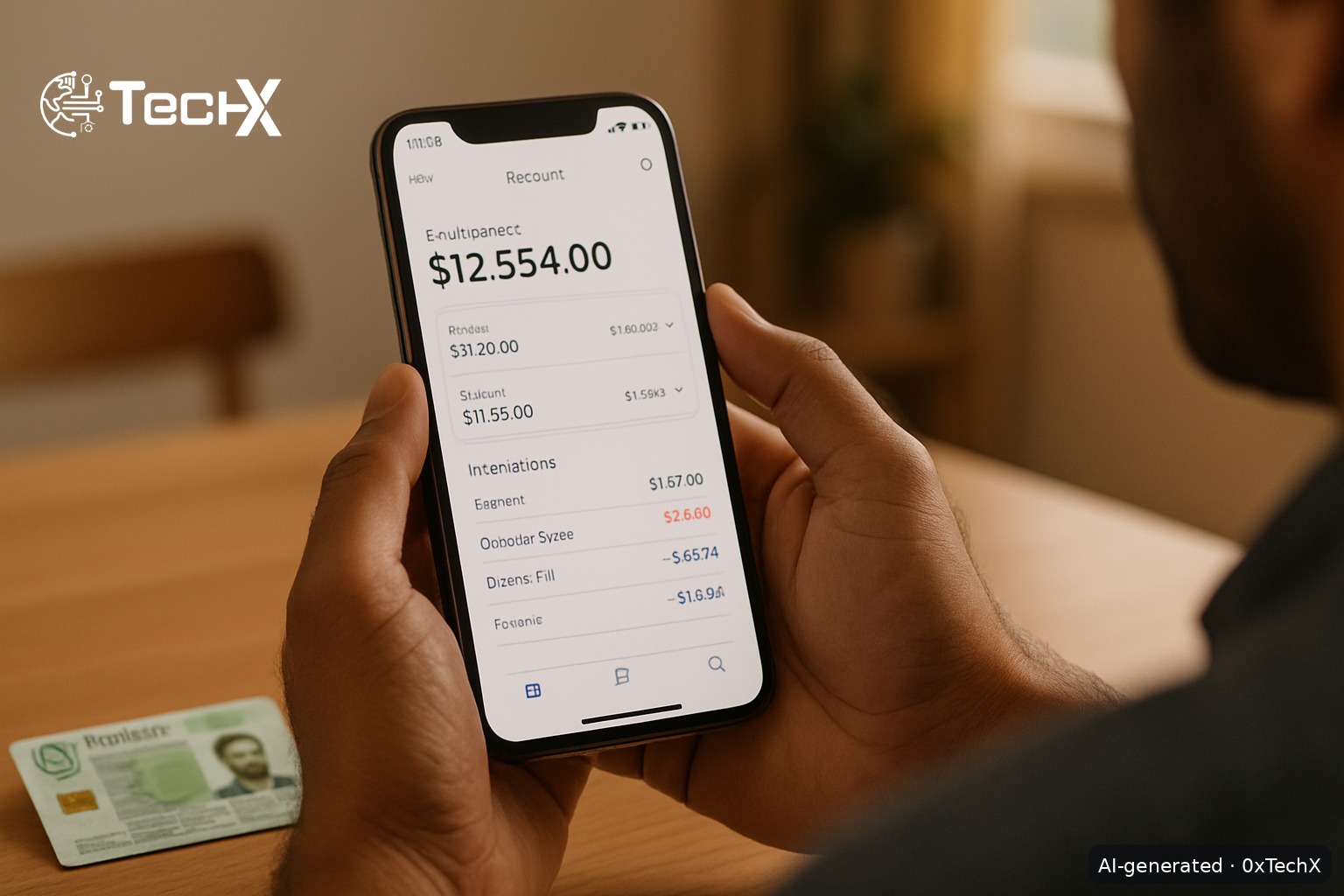
You can open an HBL account online in Pakistan in about 10 to 15 minutes using the HBL Mobile app on your smartphone. No branch visit needed. All you need is your CNIC and a PTA-registered SIM in your own name.
This guide covers both the full digital bank account (via HBL Mobile) and the Konnect branchless account, so you can pick whichever suits you best.
Which HBL Account Should You Open Online?
HBL offers two main paths for opening an account without visiting a branch:
| Account Type | Best For | Minimum Balance | App Used |
|---|---|---|---|
| Asaan Account | Students, beginners, low-income earners | Zero (Rs. 0) | HBL Mobile |
| Current Account | Freelancers, business owners | Rs. 1,000 to open | HBL Mobile |
| Savings Account | Anyone who wants to earn profit | Rs. 5,000 | HBL Mobile |
| Konnect Account | Quick mobile wallet, daily payments | Zero (Rs. 0) | Konnect by HBL |
Tip for first-timers: The Asaan Account is the easiest choice. It has zero minimum balance and no monthly fee, making it perfect for students and beginners. A free PayPak Debit Card is also issued at the time of account opening for Asaan Account holders.
What You Need Before You Start
- A valid CNIC (must not be expired)
- A PTA-registered mobile SIM in your own name (any network: Jazz, Zong, Ufone, Telenor)
- A smartphone with a working camera (for selfie and CNIC scan)
- A stable internet connection
You must be 18 years or older and a Pakistani citizen with a valid CNIC. If your SIM is registered under a parent or spouse’s CNIC, the app will ask you for a signed declaration before proceeding.
How to Open an HBL Account Online Step by Step
Step 1: Download the HBL Mobile App
Go to the Google Play Store (Android) or the Apple App Store (iOS) and search for “HBL Mobile”. The developer name is Habib Bank Limited. Download and install it. The app is free, rated 4.4/5 on both stores, and was last updated in March 2026.
Step 2: Tap “Open an Account”
Open the app. On the first screen you will see a button that says “Open an Account”. Tap it. Do NOT tap “Login” as that is for existing customers only.
Step 3: Enter Your CNIC Number
Type your 13-digit CNIC number exactly as it appears on your card. The app will verify it against NADRA records. Make sure there are no spaces or dashes.
Step 4: Verify Your Mobile Number (OTP)
Enter your Pakistani mobile number. The app sends a one-time password (OTP) via SMS to that number. Enter the OTP in the app to confirm the SIM belongs to you. The bank verifies the ownership of your mobile number using the Pakistan MNP Database (PMD). If the SIM is registered under someone else’s CNIC, a declaration will be required and you will be guided through this step.
Step 5: Choose Your Account Type
The app will show you a list of account types. Pick the one that fits your needs. For most new users, select Asaan Account for zero balance and no fees. If you need a savings account that earns profit, choose HBL Savings.
Step 6: Fill in Your Personal Details
The form will ask for:
- Full name (as on CNIC)
- Date of birth
- Home address
- Occupation or source of income
- Mother’s maiden name (for security)
Fill everything carefully. Wrong details can cause your application to be rejected.
Step 7: Scan Your CNIC
The app will open your phone camera. Place your CNIC flat on a surface and take a clear photo of both the front and back. Make sure there is no glare, shadow, or blur. A dark background works best.
Step 8: Take a Selfie for Biometric Verification
You must complete biometric verification by taking a live selfie inside the app. Look straight at the camera and follow the on-screen instructions (you may be asked to blink or smile). The app matches your face against your CNIC photo.
Step 9: Set Your Password and Security PIN
Choose a strong app login password. You will also set a transaction PIN. Keep both safe and do not share them with anyone. HBL will never call or SMS you asking for your CNIC, OTP, PIN, or password. If someone does this, it is a scam.
Step 10: Submit and Wait for Confirmation
Your account is typically ready in 10 to 15 minutes. You will get an SMS confirmation with your new account number. You can then log in and start using HBL Mobile right away.
How to Open a Konnect Account Instead
If you only need a quick mobile wallet for daily payments, transfers, and bill pay, Konnect by HBL is a simpler option. Your Konnect Account is a branchless banking account tagged to your mobile number, which effectively becomes your account number. You can open it through the Konnect Mobile App or by SMS.
Any person holding a valid CNIC and a PTA-registered mobile number in their own name can become a Konnect account holder. Download the Konnect by HBL app, tap “Register