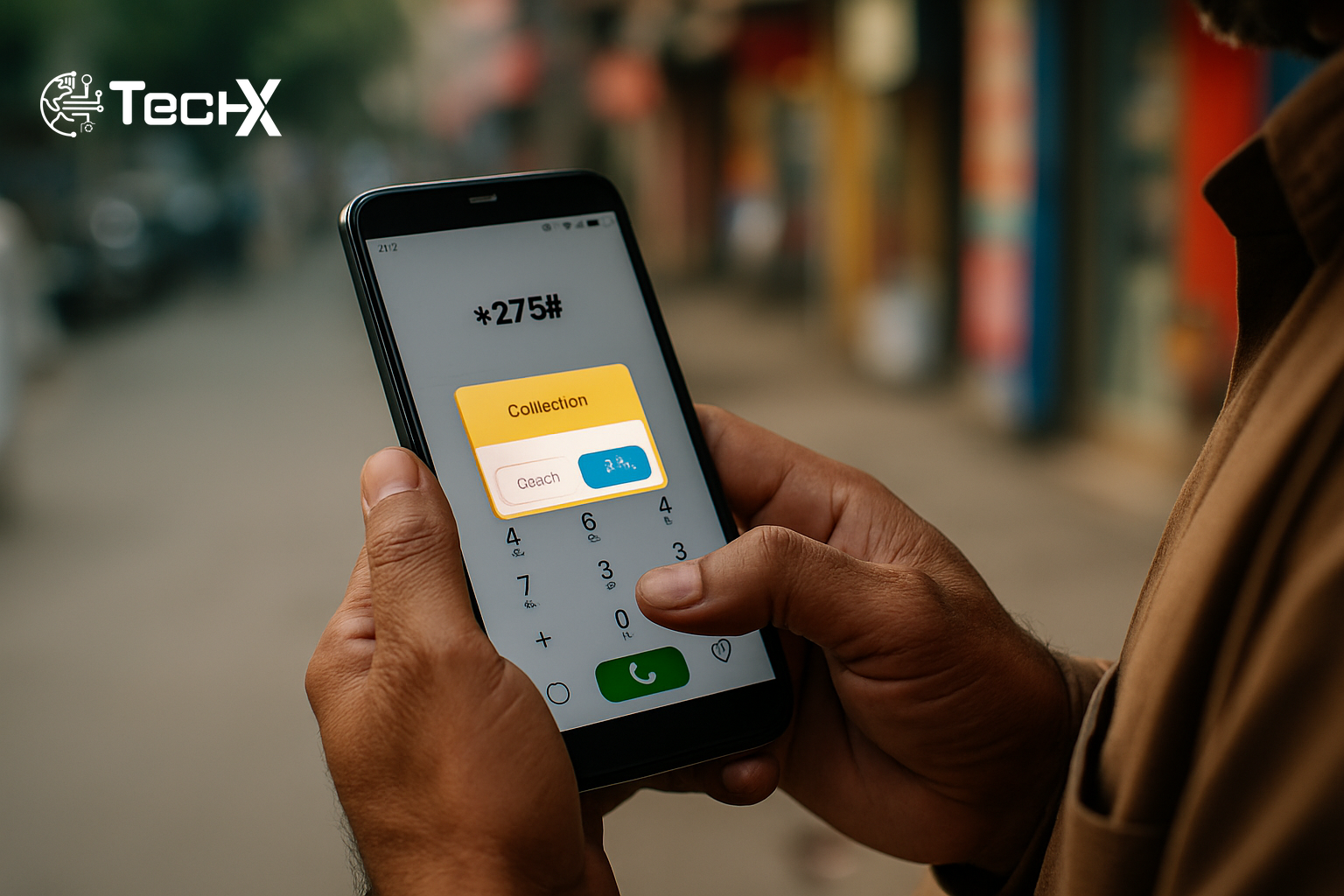
The Jazz balance save code is one of the most useful free services Jazz offers to its prepaid customers in Pakistan. It is a USSD command (*275#) that, when activated, blocks unintended deductions from your mobile balance and halts balance loss caused by accidental data activation or background app usage. If you have ever topped up your phone only to find the credit gone in minutes, this guide is for you.
Why Does Jazz Balance Disappear on Its Own?
This is one of the most common complaints among Pakistani mobile users. Many Jazz users face mysterious balance deductions daily, typically caused by background apps silently using mobile data, accidental turning on of mobile data without purchasing internet bundles, and unauthorized third-party subscriptions consuming balance.
It is not always a technical glitch. It is usually what the network calls ‘base rate’ data charging. When your MBs end, Jazz starts charging about Rs. 5 per MB. That adds up very fast, especially when you do not notice your bundle has expired.
For example, you subscribe to a WhatsApp package and open Chrome or another app, and your remaining balance gets deducted automatically. This happens because only the apps covered by your specific bundle are free. Any other data usage goes straight to your main account balance.
What Is the Jazz Balance Save Code and How Does It Work?
The Jazz balance save code is a free USSD service (*275#) that helps users protect their mobile credits from unexpected deductions. Users can subscribe or unsubscribe easily, and it automatically renews after 30 days.
This service is available for all Jazz prepaid users, free of charge, and lasts for 30 days per activation cycle, automatically renewing unless unsubscribed. Think of it as a silent guard sitting on your SIM card, making sure no data charges touch your rupees without your permission.
The Jazz balance save package prevents balance loss brought on by background mobile data only when no data package is running. It won’t prevent value-added services (VAS), SMS, or phone costs. So calls and texts still deduct normally. This service is purely for stopping surprise internet charges.

How to Activate the Jazz Balance Save Code Step by Step
Activating this service takes less than a minute. Here is exactly what to do:
- Open the dialer on your phone.
- Dial *275# and follow the instructions on your screen. You will receive a confirmation message once the service is activated.
- Jazz will send you an SMS to confirm that the service is active. You may also view it under your active services in the Jazz World App.
Alternatively, you can send an SMS with the word ‘SAVE’ to 275 or activate the service via the My Jazz app.
Once active, your data won’t work unless you have a valid weekly or monthly offer. This is the key point: the code does not block calls or SMS. It only stops mobile internet from running outside of a paid bundle. If you need internet, simply subscribe to a package and it will work as normal through that bundle.
You can also check your Jazz internet usage and data balance easily. For a full breakdown of how to track remaining data, read this guide on checking your Jazz remaining MBs with simple codes.
How to Deactivate the Jazz Balance Save Code
Turning it off is just as easy. If you want to unsubscribe at any time, simply dial *275*4# to deactivate the service immediately. The subscription is free to activate and cancel.
- Activate: Dial *275#
- Deactivate: Dial *275*4#
- Check status: Dial *275*2#
What Is the Doosra Balance Service (*869#)?
Jazz offers a second, more advanced option for users who want stronger protection. Jazz also offers a ‘Doosra Balance’ service which lets you transfer your remaining balance to a safer Doosra account, protecting it for longer.
Doosra Balance creates a completely separate balance in your account that you can use for specific purposes while keeping your main balance protected. You essentially get a hidden wallet inside your own SIM. Money in this wallet cannot be touched by background apps, premium SMS services, or accidental data charges.
Here is how to use it:
- Subscribe: Dial *869#
- Add balance to wallet: Dial *869*1#
- Withdraw balance back: Dial *869# and choose option 2
- Unsubscribe: Dial *869*3#
A small nominal fee (usually Rs. 1) applies for this service when withdrawing funds. The Balance Save Code blocks data usage, while Doosra Balance Saver moves your balance to a separate account for extra protection. Both can work together for maximum security.
According to PTA (Pakistan Telecommunication Authority), mobile network operators are required to give customers tools to manage unwanted charges. The Jazz balance save code is one such tool that meets this need directly.
Jazz Balance Save Code vs. Doosra Balance: Quick Comparison
- *275# (Free): Basic balance protection, blocks most unwanted services, single balance account, completely free. Most users should start with the free *275# option.
- *869# (Rs. 3.69/month): Advanced protection with a dual balance system, complete isolation of saved funds, and better control over how and when you spend your credit.
Other Tips to Stop Balance Deductions on Jazz
The Jazz balance save code handles most of the problem, but there are a few other habits that help:
- If your balance still decreases despite activating these services, check for any active third-party subscriptions using the Simosa app or on your Jazz account.
- Turn off mobile data when you are not actively using it, especially when near areas with weak signal.
- Regularly monitor your Jazz balance and data usage to detect irregular deductions early, and contact Jazz customer support at 111 for personalised help if problems continue.
- You can also contact Jazz customer care by email at jazz.com.pk to request removal of all unwanted auto-subscriptions.
If you want to make sure you always have a data bundle active so you never get hit with base-rate charges, check the Jazz MB check guide covering every method and code to keep track of your data before it runs out.
Frequently Asked Questions
Is the Jazz balance save code completely free?
Yes. The *275# balance saving service is completely free for all Jazz prepaid users. There are no monthly charges, no hidden fees, and no taxes applied when activating or deactivating this service.
Will my internet stop working after I activate *275#?
Yes. Mobile data will be blocked unless you buy a data package or unsubscribe from the service. Once you subscribe to a bundle, your internet works normally within that bundle. The code only blocks out-of-bundle data charges.
Is the Jazz balance save code available for Warid users?
The service is only available for Jazz and Warid prepaid customers. Since Jazz and Warid merged networks, Warid SIM holders on the Jazz network can use the same *275# code to protect their balance.
What should I do if my balance is still dropping after activating *275#?
The balance save code only protects against mobile data deductions when no bundle is active. It won’t prevent value-added services (VAS), SMS, or phone costs. If you still see unexplained drops, you should unsubscribe from third-party subscriptions through the Simosa App. If that does not work, contact the helpline by calling 111.