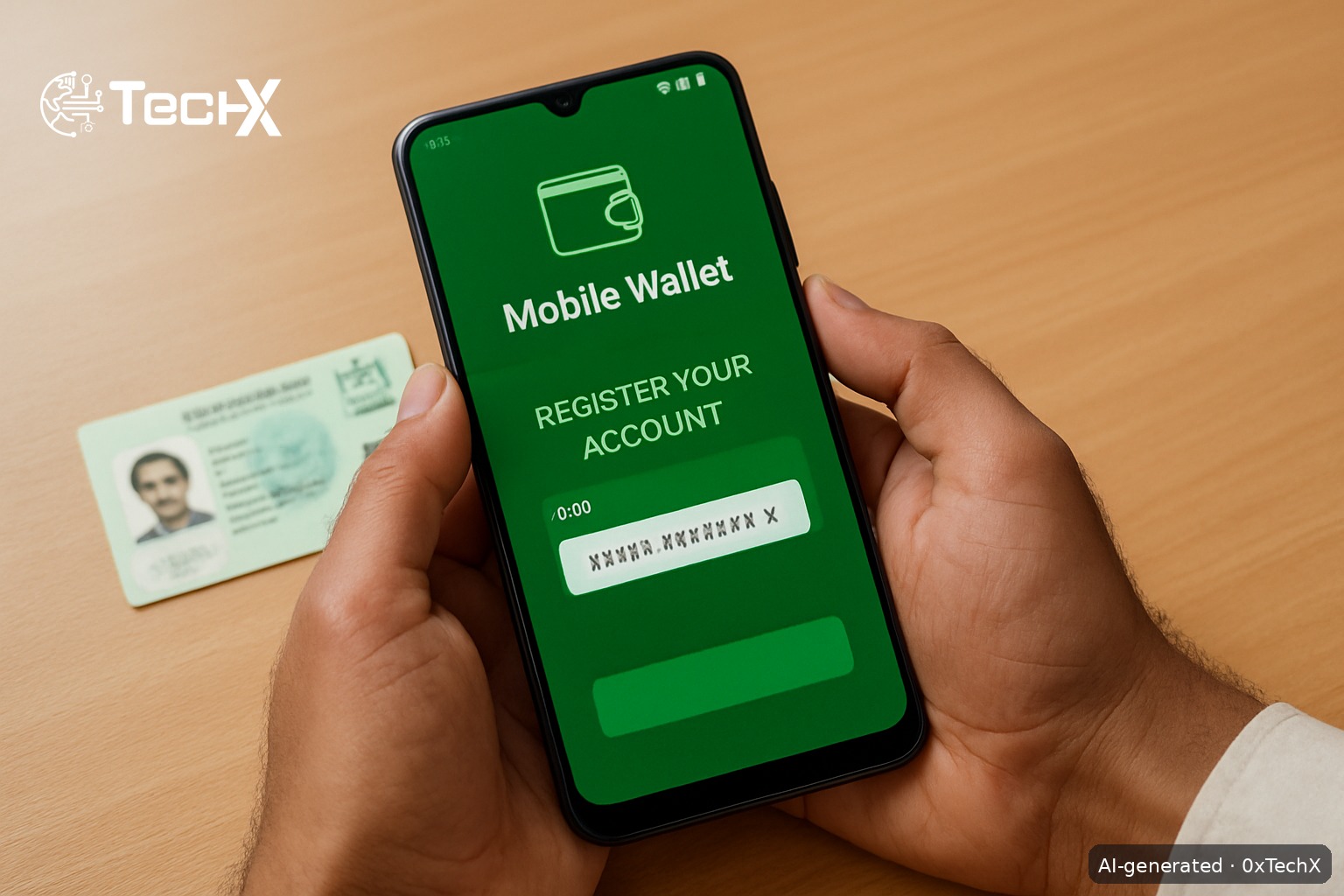
Easypaisa registration without going to a shop is fully possible right from your phone. You only need your CNIC and a SIM card registered in your own name. The whole process takes under five minutes using the Easypaisa app, or you can use a USSD code if you have a basic phone with no internet.
What You Need Before You Start
Keep these three things ready before you open the app or dial any code:
- Your valid CNIC, you need the 13-digit number and the issue date printed on the front of the card
- A SIM registered in your own name, the mobile number must be linked to the same CNIC you are using to register
- A working phone, a smartphone for the app method, or any basic phone for the USSD method
Registration is 100% free. There is no fee at any step.
Important: Easypaisa now works with all networks, Jazz, Zong, Ufone, and Telenor. You do not need a Telenor SIM.
Easypaisa Registration Without Shop, Method 1: The App (Recommended)
This is the fastest way. The mobile app method is the most widely used today.
- Download the app. Open Google Play Store (Android) or Apple App Store (iPhone) and search Easypaisa. Users from all mobile networks can create and use their Easypaisa mobile accounts by downloading the Easypaisa app from App Store, Play Store, or Huawei Store.
- Open the app and tap “Create Account”. You will see a screen with two options, Login and Create Account. Tap Create Account.
- Enter your mobile number. Type the number of the SIM you are currently using. It is best to open an Easypaisa account on the mobile number you are actively using.
- Enter the OTP. You will get an OTP through SMS. Enter that OTP to confirm your number.
- Enter your CNIC details. Enter your CNIC number and issue date (written on your CNIC). This helps verify your identity. Double-check both, a wrong issue date is the most common reason registration fails.
- Set a 5-digit PIN. Set a 5-digit PIN for your account. You will need this PIN to access your account or process payments. Do not use simple numbers like 12345 or your birth year.
- Add your name and email. Fill in your full name as on your CNIC and an email address. You can also turn on fingerprint or face lock for more security.
- Done. Your Easypaisa account is now created but needs activation. You will receive a confirmation SMS once your account is fully activated and ready to use.
Easypaisa Registration Without Shop, Method 2: USSD for Basic Phones
No smartphone or internet? No problem. The wallet works on any handset, from a basic feature phone to a smartphone, because the USSD menu does not need internet.
- Dial *786# from your mobile phone.
- Select the option to Create Account from the menu.
- Enter your 13-digit CNIC number when prompted.
- Enter your CNIC issue date for verification.
- You will be asked to create a 5-digit PIN. Choose a PIN that is secure and easy to remember.
- Confirm the PIN. Your basic account is now active.
Note for non-Telenor users on USSD: The *786# USSD service is one of the fastest and most reliable ways to access Easypaisa on any mobile phone. To start, simply dial *786# and follow the menu options. This service works on all major networks in Pakistan including Telenor, Jazz, Zong, and Ufone.
What Can You Do After Registration
Once your account is active, you can use it straight away for everyday needs:
- Send and receive money to any number in Pakistan
- Pay electricity, gas, water, and internet bills
- Reload mobile credit for any network
- Shop online and scan QR codes at stores
- Subscribe to a savings plan of your choice on the Easypaisa app.
Account Levels and Transaction Limits
Easypaisa accounts follow the State Bank of Pakistan tiered KYC framework with Basic, Asaan, and Premium account categories. When you register through the app or USSD alone, you start at the basic level. For full access to features and higher transaction limits, users may need to complete verification. To upgrade, you visit any Easypaisa retailer for a quick biometric check, but basic transfers and bill payments work immediately after registration without any shop visit.
Common Problems and How to Fix Them
| Problem | Why It Happens | Fix |
|---|---|---|
| OTP not received | Weak signal or SIM not active | Check your signal, wait 2 minutes, and request OTP again |
| CNIC verification fails | Wrong CNIC number or wrong issue date | Re-read the issue date on the front of your CNIC and try again exactly as printed |
| SIM and CNIC do not match | SIM is registered under another person’s CNIC | Make sure the SIM is registered under your CNIC. Mismatched details can block registration. Get the SIM biometrically verified at any franchise first |
| Account already exists on your CNIC | An old account was created in your name | If an Easypaisa account already exists on your CNIC, call the Easypaisa helpline. Telenor users can call 3737 and non-Telenor users can call 042-111-003-737. |
| Forgot PIN after registration | PIN was set but not remembered | Enter your mobile number in the Easypaisa app and tap the “Forgot PIN” button. You will have to put your CNIC number and new PIN twice. Then login to start using your account again. |
Stay Safe, Scam Warning for New Users
Discussions within Pakistani technology communities describe approval-bait calls aimed at new users. A caller posing as a vendor may offer a “bonus” in return for approving a request inside the app, a request that would actually send your money out. Never approve any in-app request from a stranger. Easypaisa never asks you to approve a request or enter your PIN to “receive” anything, any such call is a scam.
Frequently Asked Questions
Can I do Easypaisa registration without a Telenor SIM?
Yes. An Easypaisa mobile account is available for all networks to access from their own mobile phones at any time. Jazz, Zong, Ufone, and Telenor SIMs all work for both the app and the *786# USSD method.
How long does Easypaisa registration take without going to a shop?
Usually less than 5 minutes, provided your CNIC and number match. If there is a system delay, your confirmation SMS may take up to a few hours.
Can I open more than one Easypaisa account?
No, only one account per CNIC is allowed. If someone already registered an account on your CNIC, call the helpline to sort it out.
Do I need to go to a shop at all, ever?
Not to register. Your basic account works from day one for transfers and bill payments. However, if you want to upgrade to a higher account level for bigger transaction limits, you will need a one-time biometric check at any Easypaisa retailer near you. Cash deposit at a retailer is free of charge.