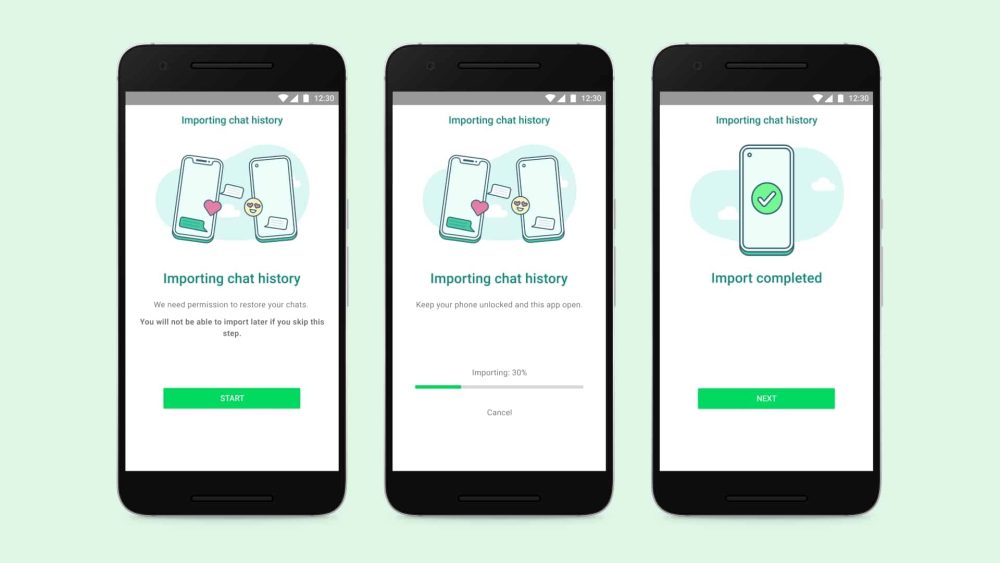
Switching from an Android phone to an iPhone is now simpler thanks to WhatsApp. The main program of the chat messenger now includes the conversation transfer feature, which enables you to transfer all of your chat history from Android to iPhone devices.
The function had been seen on WhatsApp Beta before, but it has now been made available to everyone.
It functions virtually the same to switch from iPhones to Android. The Android phone must be linked to the iPhone’s hotspot or both devices must be on the same Wi-Fi network and powered by the same outlet. In order to link with the Move to iOS software, your iPhone must be brand-new out of the box or factory reset on your Android device.
The iPhone must have iOS 15.5 or later, and the Android phone must have Android 5 or above. The complete manual is available in WhatsApp’s official FAQ.
Your call history and display name will not be transferred, but your account information, profile photo, individual conversations, group chats, media, and settings will all be.
To get the new functionality, update your WhatsApp to the most recent version.
To read our blog on “WhatsApp issues a warning against the use of modified or false versions,” click here.