
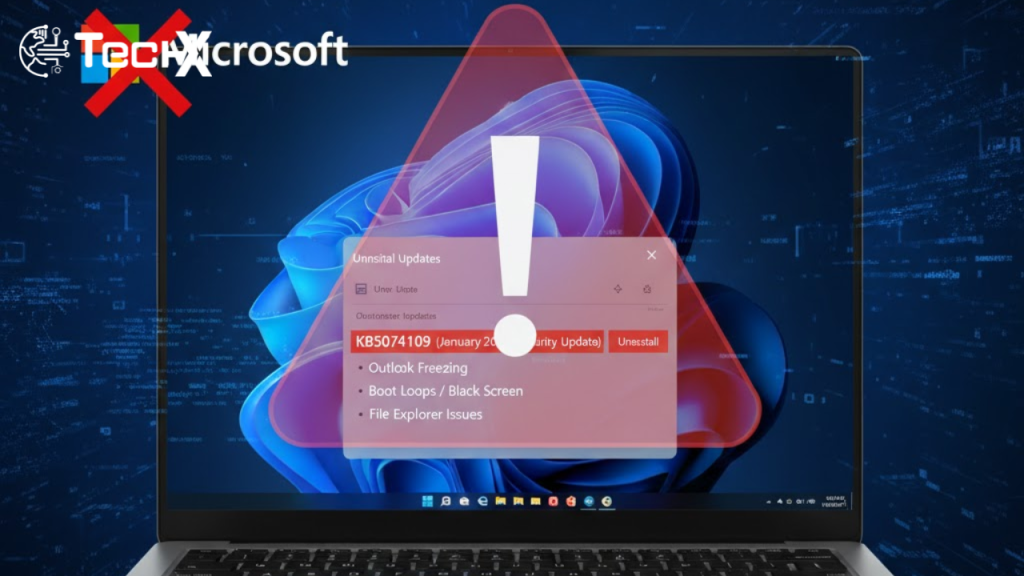
In January 2026, Microsoft released a Windows 11 security update (KB5074109) aimed at improving system security. However, shortly after the release, many users reported serious issues, prompting Microsoft to advise some users to uninstall the update temporarily until a proper fix is released.
Issues Reported by Users
The update caused multiple problems on affected systems:
- Outlook Classic app crashes or freezes, especially for POP/PST accounts.
- Black screens and system instability on certain hardware setups.
- Apps freezing or crashing when accessing cloud storage services like OneDrive or Dropbox.
- Other system features, including shutdown, Remote Desktop, and UI elements, were also affected in many cases.
Microsoft Advisory
Due to the severity of these issues, Microsoft issued an advisory recommending users temporarily uninstall KB5074109. This is uncommon for a security update but is meant to help users maintain system stability while avoiding crashes and errors. Microsoft also suggested workarounds like using Outlook webmail or moving PST files out of cloud-synced folders.
Risks and Precautions
Uninstalling the update restores system stability but removes the security patches included in KB5074109, which could leave systems slightly vulnerable until a fixed update is released. Users are advised to weigh the risks between stability and security and to monitor official Microsoft announcements for the patched update.
Current Status and Recommendations
Microsoft has already released follow-up emergency updates to address some of the reported bugs, including KB5078127, but users should check for compatibility and carefully follow guidance before installing new updates. Until the full fix is confirmed, users encountering severe problems should follow the official uninstall instructions via Settings → Windows Update → Update History → Uninstall Updates.