
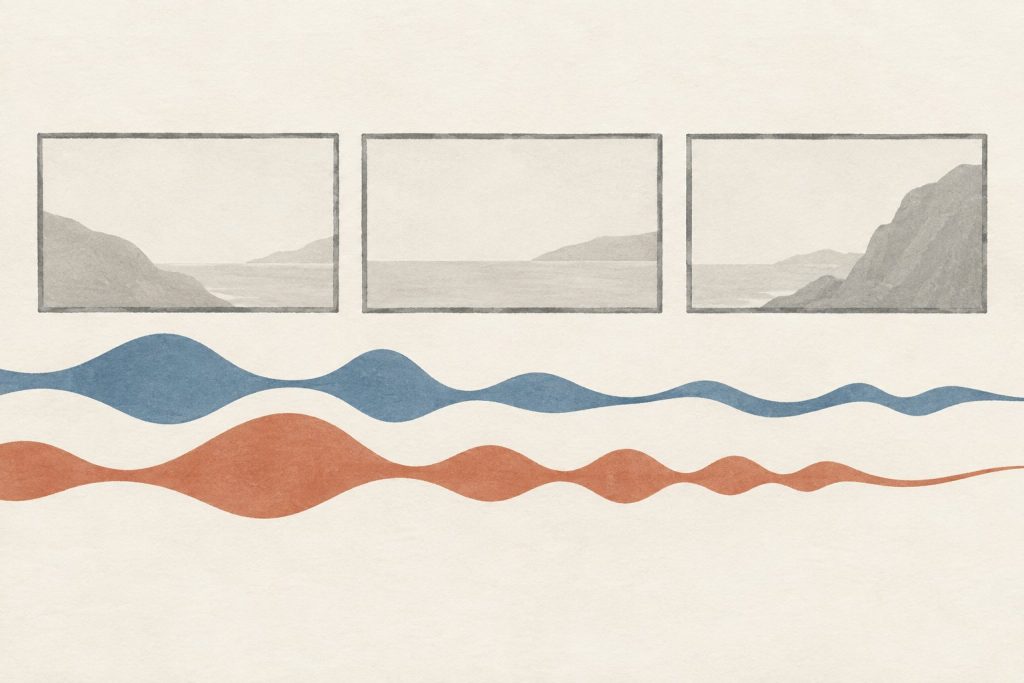
A technology explainer can be accurately translated and still miss its own pictures. The English narration reaches the key action just as a diagram changes. The Urdu version is still establishing the subject when the image moves on. Speeding up the voice may fit the runtime, but it leaves the viewer doing the missing work.
For creators addressing bilingual audiences, a second language version needs a spoken rewrite as well as a translation check. Preserve the explanation, then let the sentences find a rhythm that works with the images. A script workspace such as Laper can keep action and narration distinct during planning; the language and timing decisions still need a competent human reader.

Mark The Visual Event Each Sentence Must Meet
Take a simple explainer about a shared folder. A file is added, another device receives it, and a collaborator opens it. Before translating the narration, identify which phrase must coincide with each visible event. The phrase naming the second device should arrive while that device is still the focus. An explanation of the received file should not continue over an unrelated settings screen.
These are timing relationships, not fixed word counts. A sentence can be shorter in characters and longer when spoken clearly. Technical names, unfamiliar terms, and pauses for emphasis all affect the recording. Do not set a universal rule that one language needs a particular percentage more time. Read the actual passage with the intended speaker and find out what this version requires.
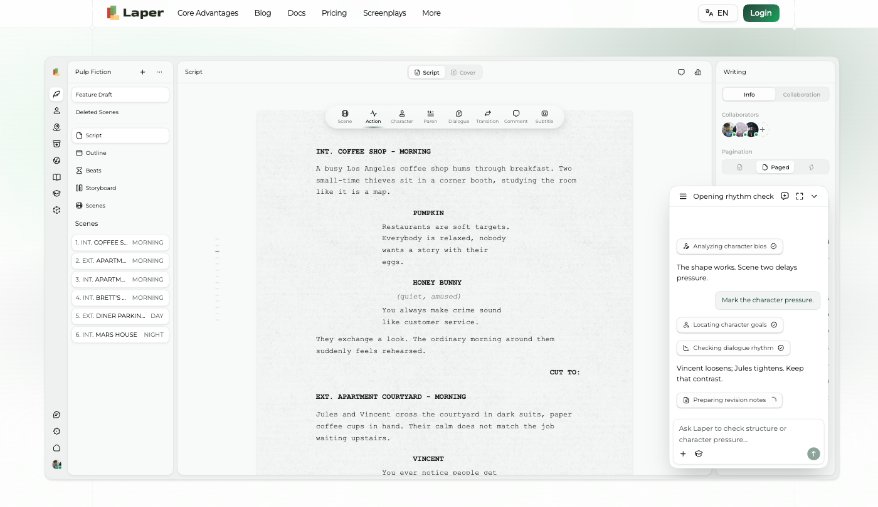
In AI Screenwriting Software, separate the visible action from the words spoken over it. Laper’s typed screenplay elements distinguish action and dialogue, giving those two kinds of content different roles on the page. That helps a reviewer see whether a rewrite changed the explanation, the action, or both. It does not automatically synchronise a finished voice track.
Keep a small set of visual checkpoints beside the draft: file appears, second device becomes active, collaborator opens the file. Then read the narration against a rough cut or still-image sequence. When a checkpoint arrives too early, mark the exact phrase that is still being spoken. “The translation is too long” is less useful than identifying the one sentence that cannot land.
Preserve The Meaning Without Preserving Every Sentence
A source sentence may introduce the result, qualify it, and finally name the condition. That order might sound natural in one version and cumbersome in another. Rebuild the sentence around the listener’s next question. What happened? Under what condition? What should they look at? The explanation can remain faithful while its grammatical route changes.
For the shared-folder example, the source might say that changes appear on another device once a particular connection is available. If the condition is essential, do not remove it simply to fit the shot. Place it earlier, split the sentence, or extend the relevant image. A shorter recording that implies instant behaviour under all conditions is not an improved translation.
Technical vocabulary needs an explicit choice. Some audiences expect a familiar English interface term within otherwise Urdu narration. Others need that term explained once before it is used. Decide for the actual audience and keep the choice consistent. Do not alternate among an English label, a formal translation, and a colloquial substitute as though they were obviously the same thing to every listener.
Ask the language reviewer to flag ambiguity as well as errors. A technically correct noun may have two plausible meanings outside its specialist context. The best repair may be a short example rather than a more formal word. If the video shows one file moving to one collaborator, let that concrete event carry part of the explanation instead of repeating the abstract definition.
Check a negative condition aloud: the file does not appear while the required connection is unavailable. Ask the reviewer to explain that condition back without consulting the source. If the spoken version sounds as though the file disappears, or cannot be opened after it has arrived, the rewrite has introduced a different claim. Settle that meaning before adjusting the pace.
For interface labels kept in English, agree on a pronunciation the intended speaker can repeat comfortably. Record one example beside the surrounding Urdu phrase and listen for whether the transition obscures either term. A written terminology list will not expose every difficulty at that spoken join.
Record A Rough Voice Before Tightening The Edit
A scratch recording reveals problems that silent reading conceals. Have the intended speaker read at a comfortable explanatory pace, including the pauses they would naturally use. Do not coach them to race through the troublesome sentence. If they repeatedly stumble at the same phrase, determine whether the language is awkward, the concept is dense, or the sentence is asking them to explain too much at once.
Play the recording with the rough visuals. Listen once without looking at the text. Then watch again with sound low enough that the images must carry their share of the meaning. You are checking two connected tasks: whether the voice is understandable and whether the pictures support it at the right moment. A perfectly timed sentence can still explain the wrong thing.
When using screenplay writing AI to shorten a passage, specify what cannot disappear: the condition, the technical distinction, and the viewer’s next action. Review any suggested wording with the language specialist. Fluency alone does not establish technical accuracy, and a confident paraphrase can quietly remove the caveat that made the original honest.
Laper can hold the revised narration in the editable script, but recording and listening remain separate work in this method. Keep the rough recording until the visual sequence is settled. If the editor moves a shot later, recheck the associated sentence rather than assuming that an earlier timing pass still applies.

Decide Which Images Need A Different Duration
Sometimes the language should not be shortened. A diagram may need to remain visible longer so the second version can establish a term clearly. Extending that shot can be a better decision than forcing the speaker into an unnatural pace. Distinguish meaningful extra time from dead air: the viewer should still have something relevant to inspect.
Other images depend on fixed action. A button press or a physical demonstration may not be easy to stretch without looking artificial. In that case, move part of the explanation before the event or add a brief recap after it. Avoid cutting the action into misleading fragments merely to make the voice track fit. The same event should remain understandable in both versions.
Subtitles create another reading task and deserve their own check. Spoken narration can lean on vocal emphasis that a subtitle does not carry. Do not assume the final voice script is automatically the best subtitle text at every moment. Review the displayed wording against the actual image, especially where an interface already contains text the viewer needs to read.
For a bilingual release, approve each version as a complete viewing experience. The goal is the same explanation reaching its audience, not matching sentence boundaries or identical runtimes. If both viewers can follow the file’s journey and understand the condition attached to it, the rewrite has preserved the useful part of the original.