
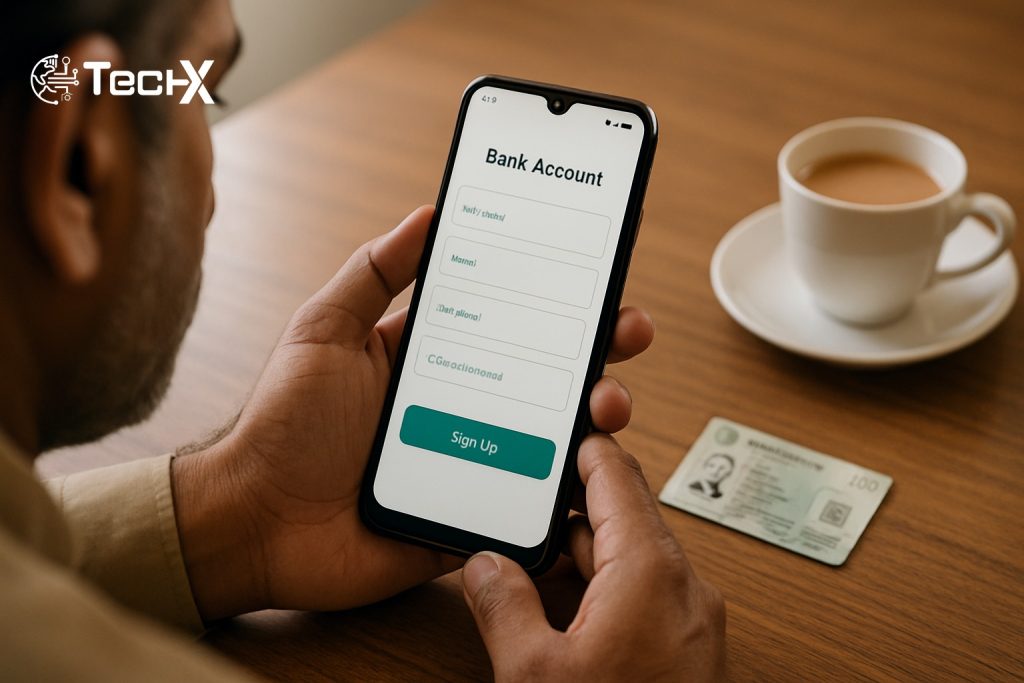
Meezan Bank account opening online takes just 10 to 15 minutes using the official Meezan Digital Account Opening app on your phone. You do not need to visit any branch. All you need is your CNIC and a Pakistani SIM registered in your name. This guide walks you through every step clearly.
Meezan Bank Account Opening Online: What You Need First
Before you start the app, get these things ready:
- Valid CNIC (original, not expired)
- Pakistani mobile number registered in your own name (Jazz, Zong, Ufone, or Telenor all work)
- Active email address
- Good camera phone for selfie and CNIC scan
- Proof of income or profession (salary slip, business documents, or self-declaration if unemployed/student/housewife)
Important: To open an account through the Digital Account Opening App, your mobile number (SIM) must be registered in your name. If your SIM is on a family member’s CNIC, visit any Meezan Bank branch instead.
This digital facility is currently available for new-to-bank customers only. If you already have a Meezan Bank account, you cannot use this app to open another one.
Which Digital Account Type Should You Choose?
Meezan Digital offers an array of account categories, including the Meezan Digi Asaan Account for basic banking, the Meezan Digi Remittance Account tailored for remittances, the Meezan Digi Freelancer Account designed for freelancers, and the Roshan Digital Account specifically crafted for non-resident Pakistanis, alongside the traditional Meezan Digital Account.
| Account Type | Best For | Minimum Balance |
|---|---|---|
| Meezan Digi Asaan Account | First-time bankers, students, housewives | None |
| Meezan Digital Account (Savings) | Working adults wanting monthly profit | Rs. 1,000 |
| Meezan Digital Account (Current) | Business or frequent transactions | None |
| Meezan Digi Freelancer Account | Freelancers receiving foreign payments | None |
| Roshan Digital Account | Overseas / Non-Resident Pakistanis only | None |
Digital accounts have no minimum balance requirement or monthly maintenance fees. The Asaan Account in particular has no physical documentary requirements and is offered in PKR currency only, in either current or savings category.
Meezan Bank Account Opening Online Step by Step
Step 1: Download the Meezan Digital Account Opening App
You can open a Meezan Bank account straight from the Meezan Digital Account Opening App. It is simple, safe, and secure. Search for “Meezan Digital Account Opening” on Google Play Store (Android) or Apple App Store (iOS). Install the app. Do not confuse it with the Meezan Mobile Banking App, which is for existing customers only.
Step 2: Start a New Application
Open the app. Tap “Open Account” or “Get Started”. You will be asked to enter your mobile number. An OTP (one-time password) will be sent to your registered SIM. Enter it to verify your number.
Step 3: Enter Your Personal Details
Provide the required information such as your full name, CNIC or NICOP number, date of birth, and contact details. Type these carefully. The name must match your CNIC exactly.
Step 4: Scan Your CNIC
The app will ask you to take a photo of the front and back of your CNIC. Place your CNIC on a flat, well-lit surface. Avoid shadows. Take a clear, straight photo. The app reads the CNIC data automatically using OCR. Check that all details are correct before moving on.
Step 5: Take a Selfie for Biometric Verification
The app uses a live selfie to confirm you are the real CNIC holder. Look straight into the camera in good light. Remove sunglasses or heavy headwear. Biometric validation is a part of the account opening process and you can re-perform it through your mobile phone. However, if you face issues while performing this verification through the app, you will have to visit your nearest Meezan Bank branch to biometrically verify your account within 60 days.
Step 6: Choose Your Account Type and Fill the Form
Choose the desired account type from the available options, such as a current account, savings account, or any other account type offered by Meezan Bank. Fill out the application form with the required details, including your personal information, employment status, and source of income. If you are a student or housewife, select the self-declaration option for unemployed individuals.
You can also select Zakat exemption here if you want to skip automatic Zakat deduction. The option to mark Zakat exemption in a savings account can be selected during the account opening process through the mobile application.
Step 7: Review and Submit
Review all the information you provided in the application form to ensure its accuracy. Once you are satisfied, click on the “Submit” or “Apply” button to submit your application.
Step 8: Wait for Approval
Some cases require additional verification on the bank’s part. Such accounts shall be opened within 2 working days subject to completion of all documentation and formalities.
Once your application is approved, you will receive an email or SMS containing your account details, including your account number and other relevant information.
Step 9: Request Your Debit Card
Just choose the type of card and request to have it delivered at your doorstep. You can pick from PayPak, Visa Classic, Visa Gold, or Mastercard Classic. The first debit card is issued at zero cost. Only one debit card is offered at zero cost per account. Card delivery usually takes 5 to 7 working days.
Step 10: Activate Internet and Mobile Banking
Once established, users gain instant access to manage their accounts through either Meezan Internet Banking or the dedicated Meezan Mobile App. Register on the Meezan Internet Banking portal at ebanking.meezanbank.com or download the Meezan Mobile Banking App separately from the Play Store or App Store.
Fees and Limits at a Glance
| Item | Fee / Limit |
|---|---|
| Account opening fee | Free (Rs. 0) |
| Minimum balance (Asaan/Current) | Rs. 0 |
| Minimum balance (Savings) | Rs. 1,000 |
| First debit card | Free |
| Internet and mobile banking | Free |
| Monthly debit limit | Rs. 1,000,000 |
| Daily cash withdrawal limit | Rs. 500,000 |
| Meezan ATM withdrawals | Free |
| Other bank ATM withdrawals | Standard charges apply |
Transaction limits include a maximum monthly debit limit of PKR 1,000,000 and daily cash withdrawal limit of PKR 500,000. Standard service charges apply for cash withdrawals from other bank ATMs but no charges for Meezan Bank ATM withdrawals or digital transactions.
Common Problems and How to Fix Them
- OTP not received: Make sure your SIM is active and has signal. Your SIM must be registered in your own name. If not, visit a Meezan branch to open in person.
- CNIC scan fails: Clean the camera lens. Place the CNIC on a plain white background with bright, even light. Avoid using a phone case cover that blocks the camera.
- Selfie/biometric fails: Do the selfie in natural daylight, facing a light source. Avoid back-lighting (window behind you). Biometric validation can be re-performed through your mobile phone. However, if you face issues, you will have to visit your nearest Meezan Bank branch to biometrically verify your account within 60 days.
- “Duplicate record” error: Some users face a “Trying to insert a duplicate record” error while registering, despite being new users. Contacting Meezan Bank via WhatsApp resolves this. WhatsApp Meezan support at +92 301 1133591.
- Application stuck or rejected: Email app@meezanbank.com with your details and screenshots. Meezan Bank requests you to email app@meezanbank.com with specific details so they can personally investigate and resolve your digital account opening issue.
- Large transfers held after account opens: After depositing and transferring a small amount, when a large amount comes in, the bank may hold it and require biometric verification at any branch for withdrawals and transfers. This is a one-time branch visit to upgrade your account level.
Meezan Bank helpline: +92-21-111-331-331 or +92-21-111-331-332.
Frequently Asked Questions
Can I open a Meezan Bank account online without visiting any branch?
Yes. The Meezan Digital Asaan Account is specifically designed for resident Pakistanis who wish to open a bank account digitally without the hassle of visiting a physical branch. The full process is done on your phone. A branch visit is only needed if your biometric fails in the app.
Is there a minimum deposit to open a Meezan digital account?
Digital accounts have no minimum balance requirement or monthly maintenance fees. You do not need to deposit any amount to open the account. You only need money when you start using it.
Can a student or housewife open a Meezan digital account online?
Yes. The app has a self-declaration option for students, housewives, and retired people. You select your category during the form, declare your expected monthly savings, and submit. No employer letter is needed for this type of applicant.
What is the difference between the Meezan Digital Account Opening app and the Meezan Mobile Banking app?
These are two separate apps. The Meezan Digital Account Opening app is only for opening a new account. Once your account is active, you use the Meezan Mobile Banking app (or internet banking at ebanking.meezanbank.com) for daily transactions like transfers, bill payments, and balance checks. After opening, you get free Meezan Internet Banking to make transfers and bill payments, plus the Meezan Mobile Banking App to manage your account.