
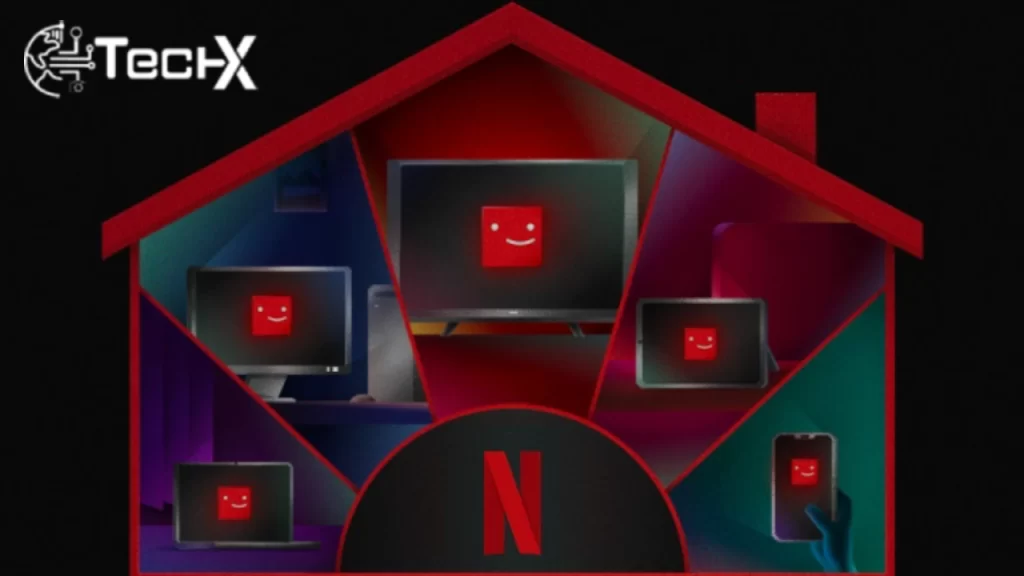
Netflix has recently initiated measures to curb password-sharing, focusing on users in Canada, New Zealand, Portugal, and Spain. This step is part of a broader strategy to ensure that accounts are used within the confines of a single Netflix household, aligning with the company’s subscription policies.
Understanding Netflix’s Household Service
The Netflix Household service is designed to consolidate account access within one principal location—typically the subscriber’s home. Here, devices connected to the home’s internet will be recognized automatically as part of the Netflix Household.
Setting Up Netflix Household
To maintain control over who accesses your account and to comply with the new guidelines, setting up Netflix Household is essential. Here’s how you can set up or update your Netflix Household:
Step 1: Access Netflix from Your TV
Begin by launching Netflix from your TV’s home screen, ensuring that your TV is connected to the internet.
Step 2: Navigate to Help Options
Select the “Get help” button from the main menu, which will direct you to various support options.
Step 3: Manage Netflix Household
Choose “Manage Netflix Household” from the help menu. This section allows you to either set up a new household or update an existing one.
Step 4: Verification Process
You will be prompted to verify your account by choosing to send a verification link via email or text message. Once you receive it, you have 15 minutes to confirm by clicking the “Yes, This Was Me” button.
Step 5: Confirm the Setup
After verification, click on “Netflix Household” or “Netflix Account Update” to finalize the process. You will receive a confirmation email and a message on your TV screen.
Step 6: Continue to Netflix
Click “Continue to Netflix” to return to your viewing experience, now securely tailored to your household.
Policy on Account Sharing
Netflix’s updated policy mandates that all users within a household should operate under a single subscription. Individuals not residing in the household are required to set up separate accounts to access Netflix content. This new approach comes with an enhanced ‘Access and Devices Management’ tab, giving account administrators better oversight over who can access their account data.
Conclusion
Netflix’s recent crackdown on password-sharing in specific countries signifies a strategic shift towards enforcing stricter household-based account usage. By requiring users to verify their ‘main location’ and restricting access to in-house devices only, Netflix aims to curb unauthorized sharing and ensure that subscriptions are used as intended. These measures will likely enhance content security, preserve the integrity of subscription models, and align usage with licensing conditions, ultimately fostering a fairer and more controlled viewing environment for subscribers.
To read our article about “How to share YouTube videos with others via Google Meet” click here.