
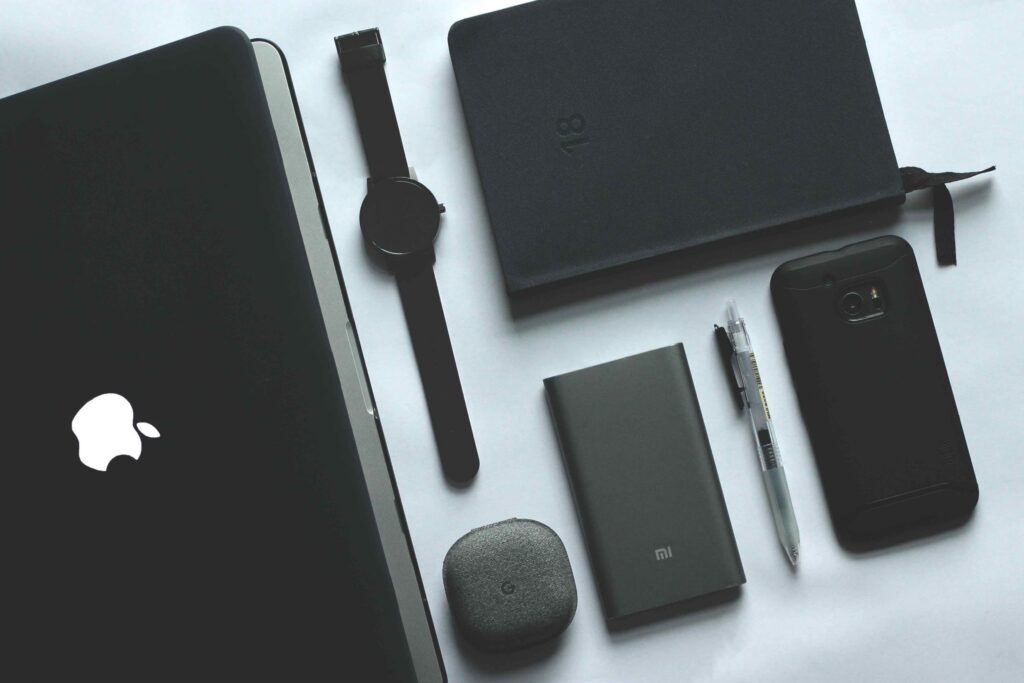
Everyone in 2022 is concerned about cybersecurity, including those who use Linux and Apple, which are seen as more safe than other systems. Particularly with regard to Apple products, common thinking continues to hold that MacBooks and iPhones are less susceptible to cyberattacks than Windows or Android-powered devices.
Keeping your OS and Apps Up-to-Date
First, see whether there are any operating system or app updates available. Let’s face it, installing updates isn’t anyone’s favourite task because it consumes so much of our time. Frequently, when things are most dire.
Vet Your Passwords and PIN Codes
Review your PIN numbers and passwords for all of your accounts and devices as the next step. Any list of fraud prevention guidelines should start with this piece of information.
But one of the most typical reasons for cyber attacks is poor password hygiene. Weak passwords and a lack of two-factor authentication are to blame for even well-known intrusions like the Colonial Pipeline ransomware campaign (2FA).
Activate FileVault Encryption
Enabling FileVault encryption on your Apple devices is another step toward safeguarding them online. This is the hard drive encryption feature that Apple has put in. It encrypts data using XTS-AES-128 and a 256-bit key.
This will prevent your data from being accessed even if someone obtains access to your computer. In addition, FileVault setup is quick and simple. Apple offers consumers a thorough, step-by-step manual to assist them in making the ideal setups.
To read our blog on “Jazz 5G Innovation Lab at NUST receives official groundbreaking from MoIT Secretary and SAPM on Youth Affairs,” click here.