
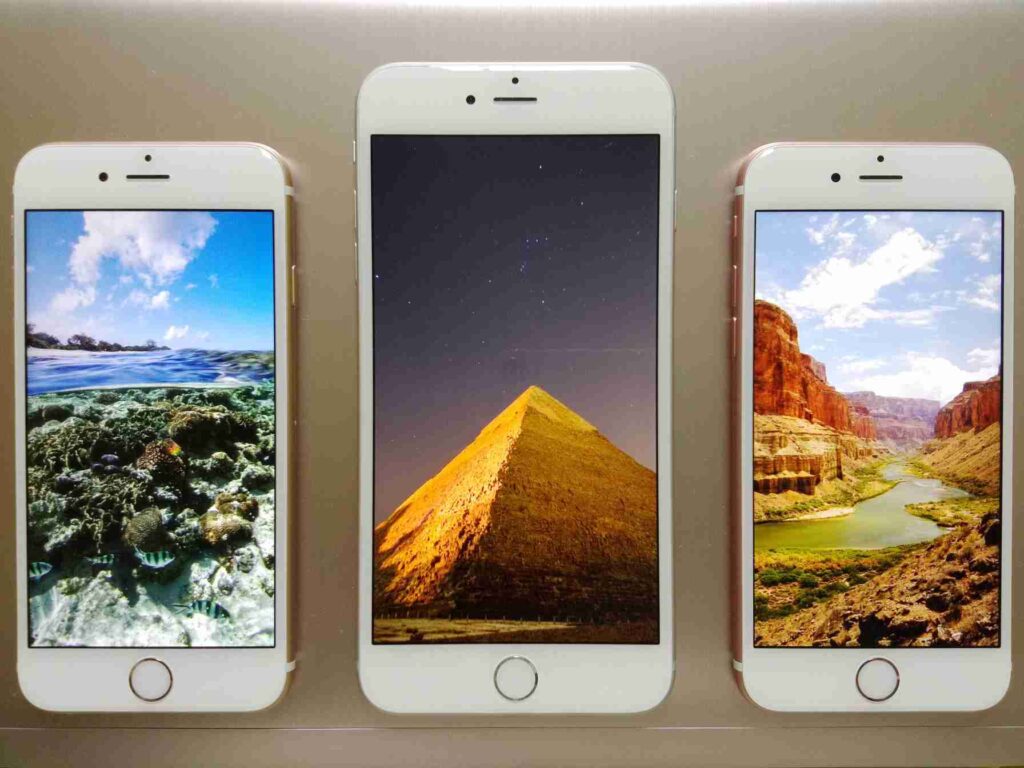
With the Find My app on your iPhone, you can modify which of your Apple devices is tracking your whereabouts. If you’ve been sharing your location from another Apple device, like a Mac, and you’ve now moved locations to another Apple device, such an iPhone, this feature will come in handy. Switching to your iPhone in the Find My app requires you to be signed in with the same Apple ID as the device that is presently sharing your location.
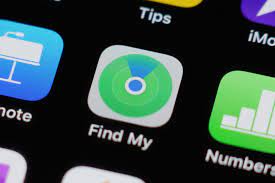
Step1; Open Find My iphone app
One must first launch the Find My app. The app’s icon is a blue beam coming down from the top of a green circle with a blue dot in the middle. You may get it by searching for it in your app drawer or by going to the Utilities section of your app library.
Reinstalling it from the App Store may be necessary if you can’t find it.

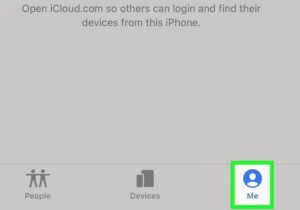
Step 2: Go to the “Me” in menu.
Go to the “Me” in menu. You’ll find it in the lower right corner of the menu.

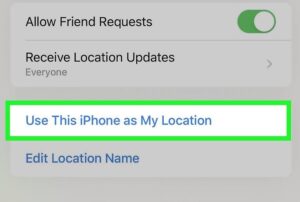
Step 3; Tap Put my iPhone to use as a tracker
Once you choose your iPhone, it will take the place of the other Apple gadget in terms of location sharing. If someone were to look up your location, they would now see where your device is.

To read our article about “How to see the 2022’s “museum of the future” in Dubai” click here.