
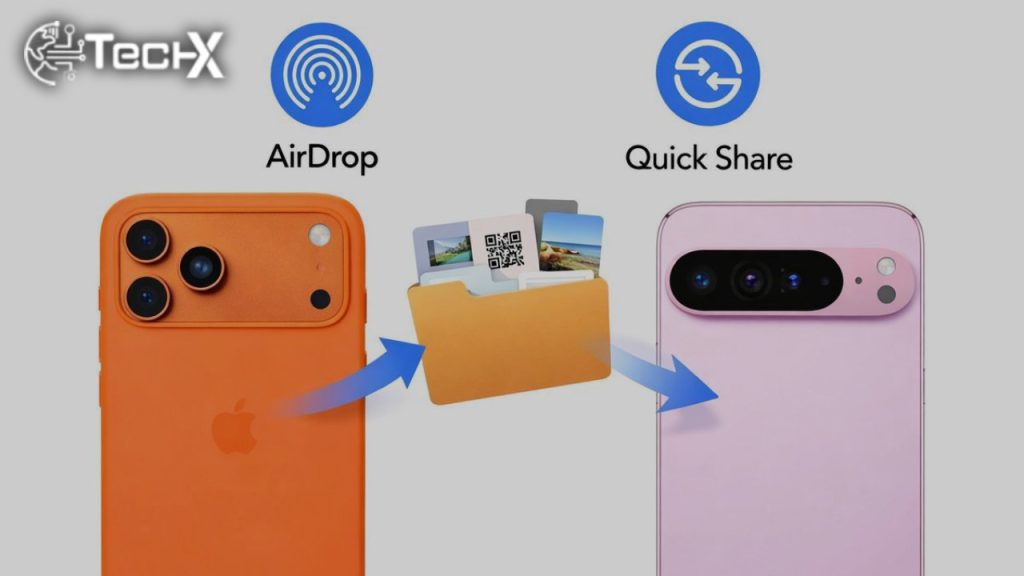
Sometimes history turns on quiet moments. Last year, Google made one of those moves when it surprised Pixel users with a subtle but powerful update. A new version of Quick Share appeared, carrying something many thought impossible: the ability to work with Apple’s AirDrop. For a while, this feature was available only on the Pixel 10 series. Google promised more, but time passed, and patience thinned.
Now, that promise is finally taking shape.
Eric Kay, Vice President of Engineering at Google, has confirmed that Quick Share’s compatibility with Apple’s AirDrop will soon expand to more Android devices. The walls that kept this feature locked inside one lineup are beginning to fall.
Why Pixel 10 Was the Testing Ground
Every good bridge is tested before it is opened to traffic. Google used the Pixel 10 series as its testing ground, a place to prove that Android and Apple devices could speak the same quiet language of file sharing.
According to Eric Kay, the proof of concept worked smoothly. Pixel users could send files directly to iPhones, iPads, and MacBooks without relying on cloud links or extra apps. Photos moved like whispers, documents crossed over without friction. This success gave Google the confidence to think bigger.
The Key Change Behind the Scenes
The real turning point came when Google made a smart structural decision. The Quick Share Extension was upgraded from a system-only app into a standalone APK. More importantly, it was placed on Google Play.
This move matters because system apps are often tied to hardware limits. By shifting Quick Share to Google Play, Google loosened those chains. Now, Quick Share can be updated, improved, and expanded without being locked to Pixel phones alone. It was a quiet change, but one with long echoes.
When Will Other Android Devices Get It
The wider rollout is expected later this year. Google is moving carefully, like a craftsman checking every joint before unveiling finished work. Android is a wide land filled with many brands, chipsets, and software skins.
Google is working closely with hardware partners to ensure Quick Share and AirDrop support feel smooth across different devices. The goal is simple: no stutters, no confusion, just easy sharing that feels natural.
Why This Update Truly Matters
For years, file sharing between Android and Apple users has been a sore point. People relied on third-party apps, email attachments, or cloud storage just to send a simple photo. It felt outdated in a world that moves so fast.
Direct Quick Share and AirDrop support changes that rhythm. It brings ease back into everyday moments, whether sharing family pictures, work files, or quick notes. It does not just save time; it removes a long-standing frustration.
Other Android Brands Were Already Moving
Google is not alone in seeing this need. Brands like Oppo and Xiaomi have already introduced AirDrop-like features through ColorOS and HyperOS. These solutions enable smoother cross-platform sharing, even if they are not official AirDrop integrations.
Their efforts showed a clear truth: users want walls lowered, not raised. Google’s move now aligns Android’s core experience with that demand.
Quick Look at File Sharing Before and After
| Feature | Before This Update | After Quick Share Expansion |
|---|---|---|
| Android to iPhone sharing | Third-party apps or cloud | Direct Quick Share to AirDrop |
| Speed | Often slow | Fast and local |
| Setup effort | Multiple steps | Simple and quick |
| Device support | Limited | Expanding across Android |
| User experience | Fragmented | Seamless and friendly |
A Step Toward a More Open Future
Technology often moves forward by honouring simple human needs. The need to share, to connect, to pass things along without effort. Google’s decision to bring Quick Share and AirDrop support to more Android devices reflects that old wisdom in a modern form.
Later this year, as the rollout begins, Android and Apple users may finally meet in the middle. Not with noise or rivalry, but with a quiet tap and a shared file, moving freely across devices as it always should.