
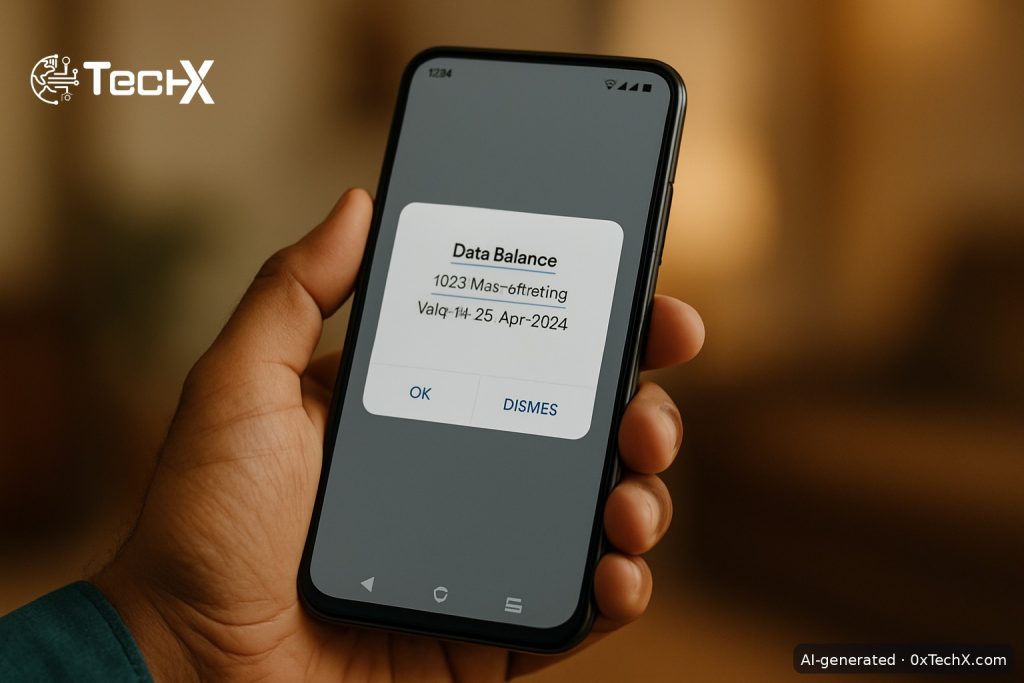
To check remaining MBs on Zong, the fastest way is to dial *102*4# from your Zong SIM. You will instantly see your internet balance, remaining data in MBs or GBs, and package validity. You can also use the My Zong App or send an SMS for a free, detailed breakdown.
Check Remaining MBs on Zong Using USSD Codes
USSD codes are the quickest option. They work on every device and even in areas where the Zong app may load slowly due to weak signals. You do not need mobile internet to use them.
Method 1: Dial *102*4# (Data Only)
- Open the Phone/Dialer app on your mobile.
- Type *102*4# and press the green call button.
- You will receive a message displaying your remaining data volume and internet package validity.
Cost: There are minimal service charges for using USSD code inquiry services, typically Rs. 0.10 to Rs. 0.24 plus applicable taxes per inquiry.
Method 2: Dial *102*1# (All Resources at Once)
- Open your Phone/Dialer app.
- Type *102*1# and press call.
- This summary usually includes your remaining MBs, call minutes, SMS, and expiration time.
Method 3: Dial *102# (Interactive Menu)
- Dial *102# from your Zong number.
- This opens an interactive menu where you manually select which resource to check: data, calls, SMS, or balance.
- Select the data option and press send.
Quick USSD Code Reference Table
| What to Check | USSD Code | Cost (approx.) |
|---|---|---|
| Remaining MBs (internet only) | *102*4# | Rs. 0.10 to 0.24 + tax |
| All resources (MBs + minutes + SMS) | *102*1# | Rs. 0.10 + tax |
| Interactive menu (choose yourself) | *102# | Rs. 0.10 + tax |
| Remaining minutes only | *102*3# | Rs. 0.10 + tax |
| Remaining SMS only | *102*2# | Rs. 0.10 + tax |
| Main account balance (PKR) | *222# | Rs. 0.05 + tax |
Check Remaining MBs on Zong via SMS (Free Data Not Required)
You can also send an SMS to check resources. Text 1 to 102 for all resources, 2 for SMS, 3 for minutes, or 4 for internet data. This is useful when USSD is not responding.
- Open your Messages app.
- Create a new message. Type the number 4 in the message body.
- Send it to 102.
- You will get a reply SMS showing your remaining internet data.
Check Remaining MBs on Zong Using the My Zong App (Free and Best Method)
Using the My Zong App on Wi-Fi or accessing the Zong eCare Portal is completely free. This is the best option if you want to avoid any USSD charges.
- Download the app. Open the Play Store, iOS App Store, or Huawei App Gallery and search My Zong to install it.
- Register or log in. Enter your Zong number. You will get an OTP for verification.
- Check your dashboard. Get real-time account balance and usage details for calls, data, and SMS, plus remaining free resources on a single click.
- Go to the Usage section. Tap “Internet Package” or “Usage” to see the exact MBs remaining, your package name, and the expiry date.
Bonus tip: First-time app registrations get a free 6 GB (200 MB daily) dedicated offer on first-time app registration. That is free data just for signing up.
The app also shows usage details divided into internet, social media, on-net minutes, off-net minutes, and more, plus usage history.
Check Zong MBs via the Zong eCare Web Portal
This is handy if you are on a laptop or PC.
- Go to www.zong.com.pk and click on eCare or log in to your account.
- Enter your Zong number and OTP.
- Head to the “Data Usage” or Dashboard section and you will see your full data usage stats and package details.
Checking MBs on a Zong 4G MBB Device (Bolt, Wingle, MiFi)
Zong MBB devices (like the Bolt or Wingle router) do not have a phone dialer. You have two options:
Option A: Insert SIM Into a Phone
- Take out the SIM from your device and pop it into a phone, then dial *102*4# to check your MBs.
Option B: Use the Device Admin Page
- Connect your phone or laptop to the Zong MBB device via Wi-Fi.
- Open a browser, go to 192.168.8.1, log in (usually admin/admin), and check usage under “Services” or “Usage.”
Common Problems and Fixes
| Problem | Likely Cause | Fix |
|---|---|---|
| USSD code shows an error | Temporary network issue | This usually happens because of network issues or temporary service updates. Try again after a minute. |
| Code shows 0 MBs remaining | Bundle has expired | If your bundle has expired, the system may show zero MBs. Confirm your package through the Zong app or helpline. |
| USSD code does not work at all | Phone settings or signal issue | Try restarting your phone and attempting the USSD code again. If it still fails, call 310. |
| My Zong App crashes or won’t load | App bug or old version | Update the app from the Play Store or App Store. Bug fixes and performance improvements are regularly pushed via app updates. Use *102*4# as a backup. |
| No reply SMS after dialing code | Network congestion | Check your network signal or check the messaging app on your mobile phone. Wait 2 to 3 minutes for the SMS to arrive. |
Still stuck? Call the Zong helpline number 310, or if you are an MBB customer, call the helpline number 9951.
Frequently Asked Questions
Which is the best code to check remaining MBs on Zong?
If you specifically want to know your internet package status, the *102*4# code is your best option. It is the most frequently used Zong internet package check code because it gives precise information about your mobile broadband resources.
Is there any charge for checking Zong MBs with a USSD code?
Yes, but it is very small. There are minimal service charges, typically Rs. 0.10 to Rs. 0.24 plus applicable taxes per inquiry. However, using the My Zong App on Wi-Fi or accessing the Zong eCare Portal is completely free.
Can I check Zong MBs without internet or without a smartphone?
Yes. USSD codes work even on basic phones, which means you can check data without mobile internet. Just dial *102*4# from any phone that holds your Zong SIM.
Does Zong notify me automatically when data is almost finished?
Yes. Zong has an automatic notification system that tells you about remaining data. When you use 20% of your internet data bundle, Zong automatically sends a message about your remaining resources. You can also turn on usage alerts inside the My Zong App.